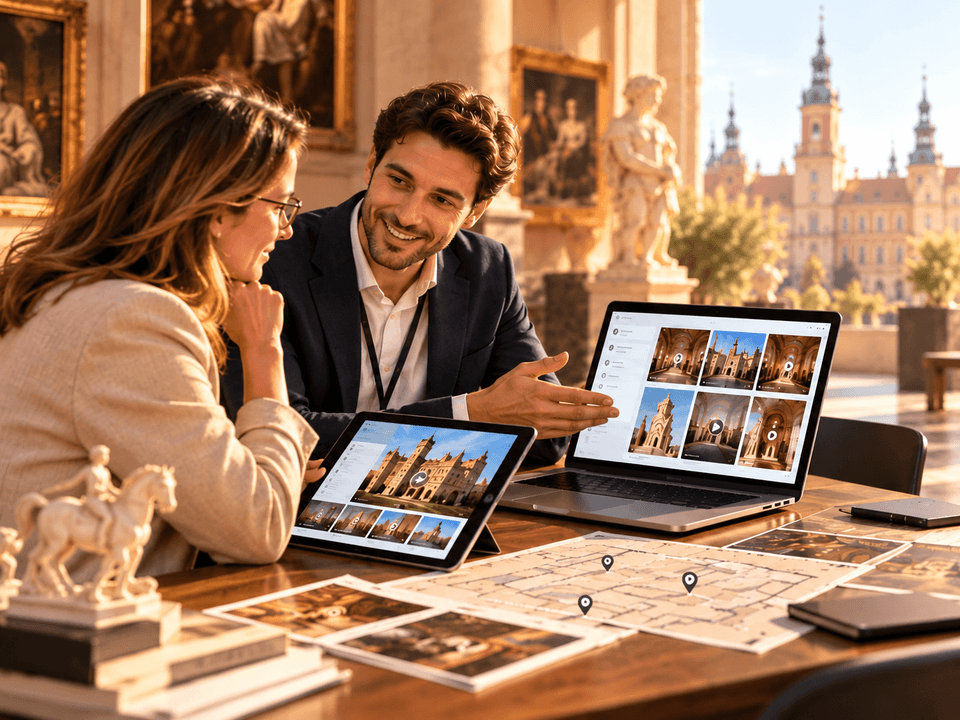
Audio guide
Add your own recordings to any object or generate them in one of 33 supported languages.
Read more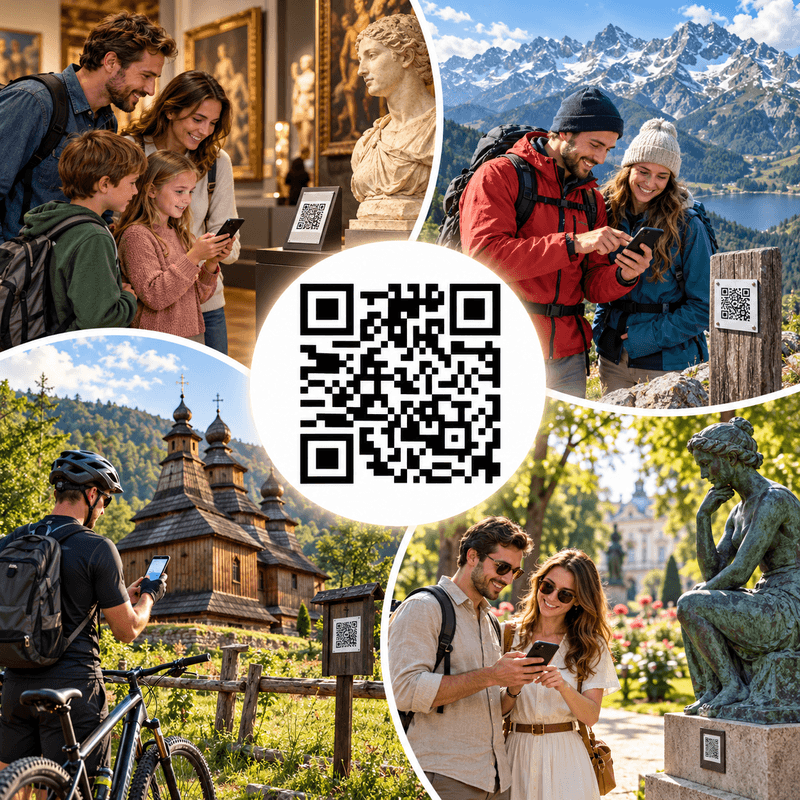
By scanning a QR code placed next to a physical exhibit, visitors reach a webpage with descriptions, photographs, an audio guide and videos, available in up to 33 languages. Institutions manage their own content: they create exhibitions, rooms, categories, outdoor locations and visitor trails, and generate QR codes.
The same code takes visitors to an exhibit's page in their language, without separate signs, links or versions for each language.
QRator supports audio guides, audio descriptions, light, dark and high-contrast modes, and text enlargement to make content more accessible.
Visitors scan the code and immediately use the guide in their phone's browser, without downloading an app or creating an account.
The system helps generate translations and audio recordings that editors can review, correct and publish in selected languages.
You can manage content yourself in the CMS or ask us to prepare, upload and maintain your materials.
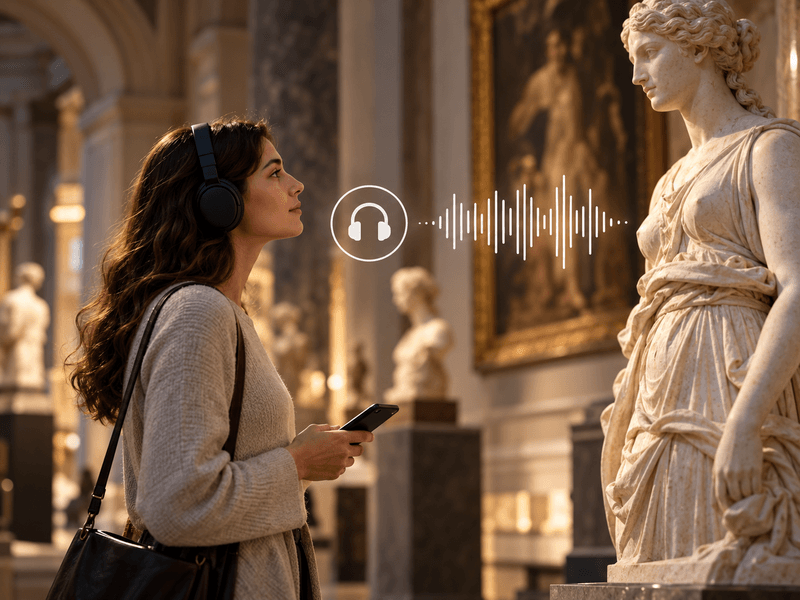
Add your own recordings to any object or generate them in one of 33 supported languages.
Read more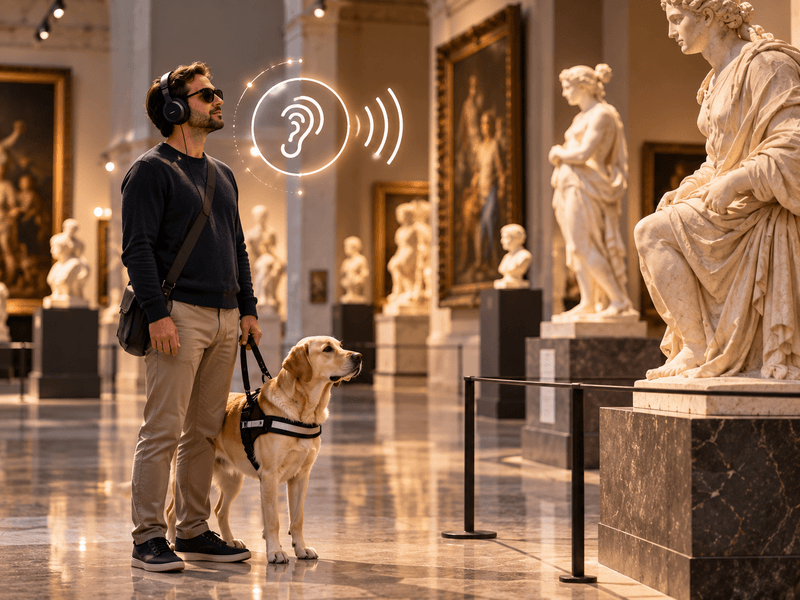
Your own recordings or recordings generated in one of 33 languages to describe the visual features of an object.
Read more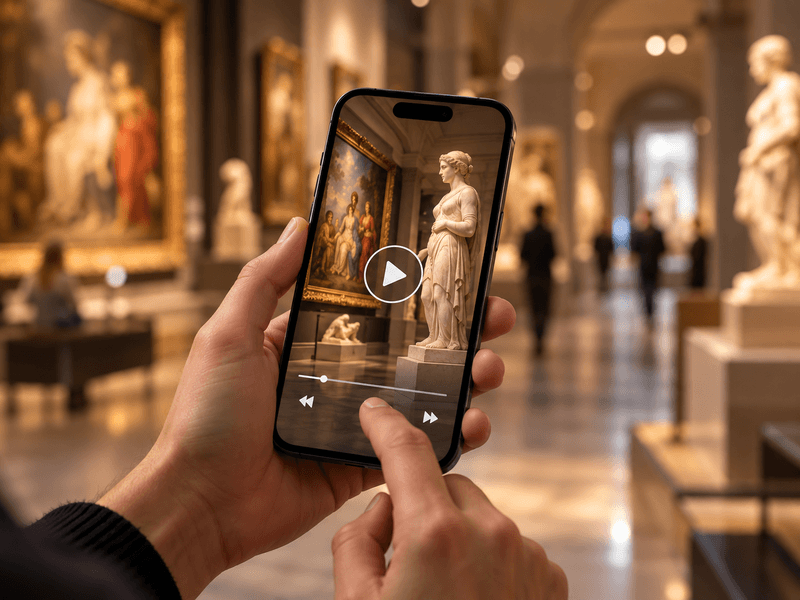
Embed videos from YouTube or Vimeo, or your own MP4 files, alongside objects, rooms and routes.
Read more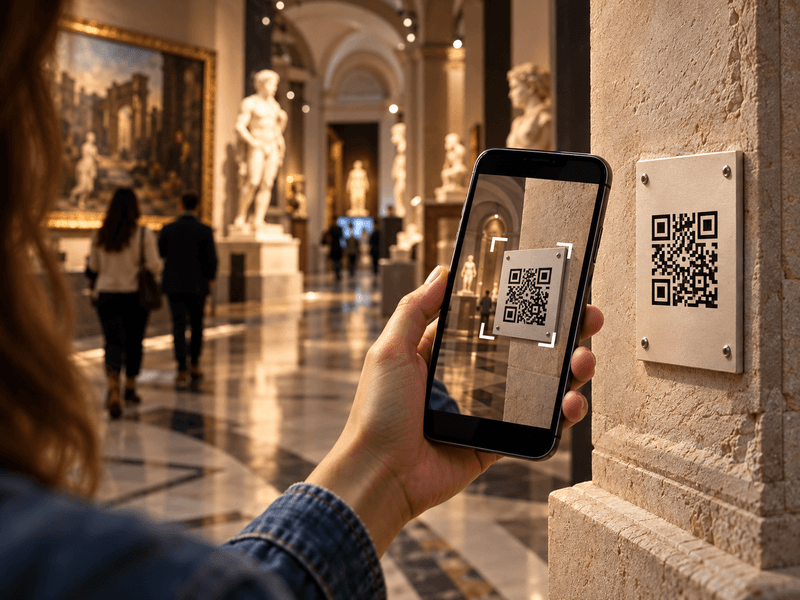
Visitors scan a QR code with their phone camera and immediately open a web page describing the object.
Read more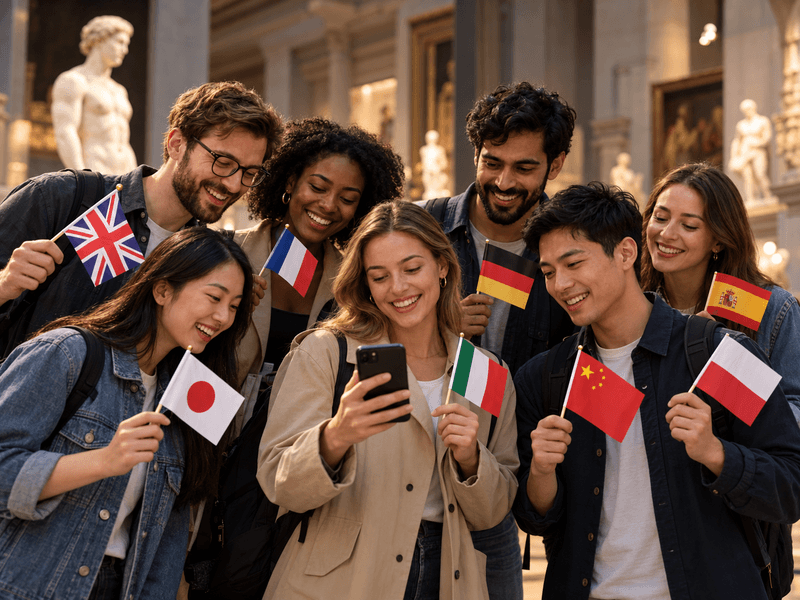
Translate content into as many as 33 languages. Prepare your own translations or use an AI tool with review.
Read more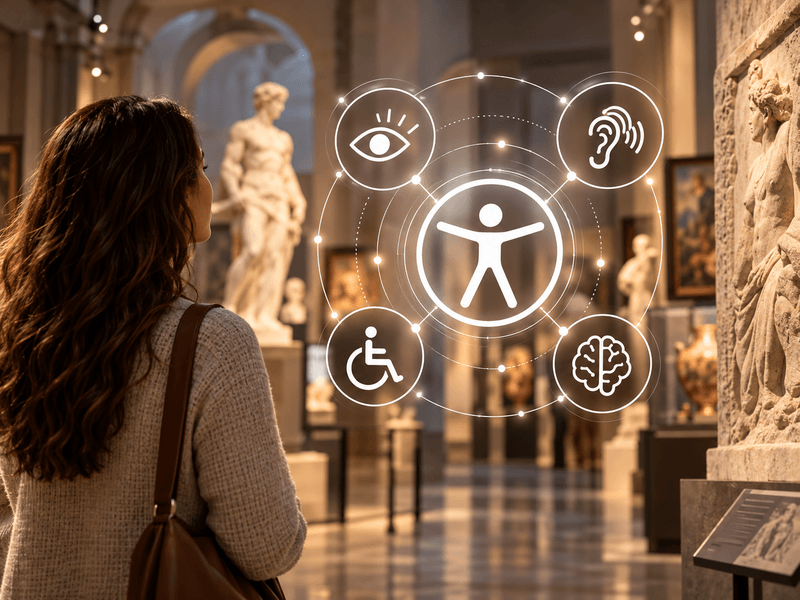
Digital guides accessible to everyone. Adjustable text size, high contrast, light and dark modes, and audio descriptions.
Read more
We offer comprehensive system deployment on QRator.space servers or the client’s server, always with a secure SSL connection.
Read more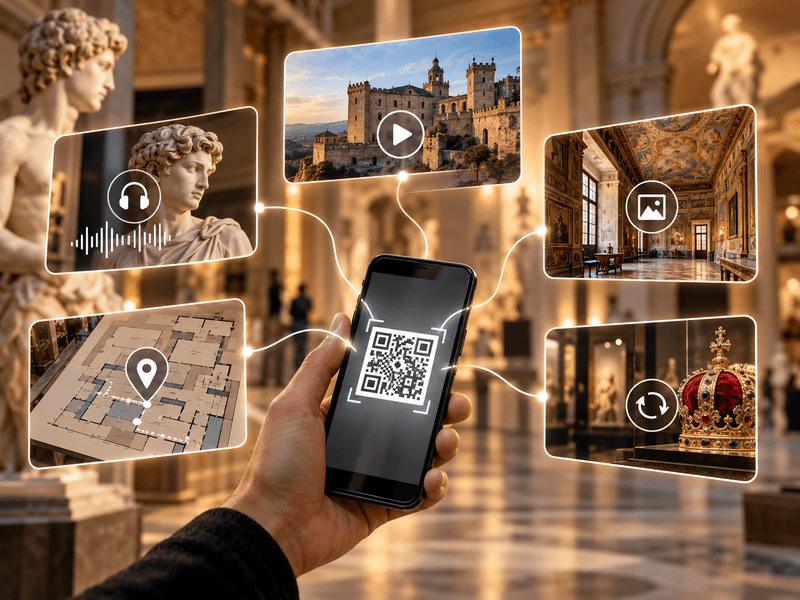
Create and customise dynamic QR codes for exhibitions, rooms, categories and objects. Export them as PDF or SVG files and direct visitors to content in their own language.
Read more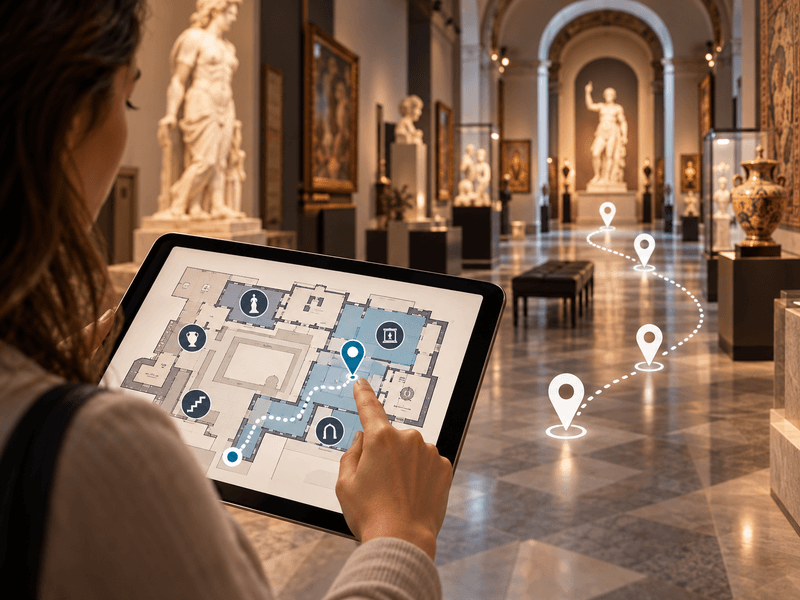
Use floor plans inside buildings, and maps showing locations and directions to them in outdoor spaces.
Read more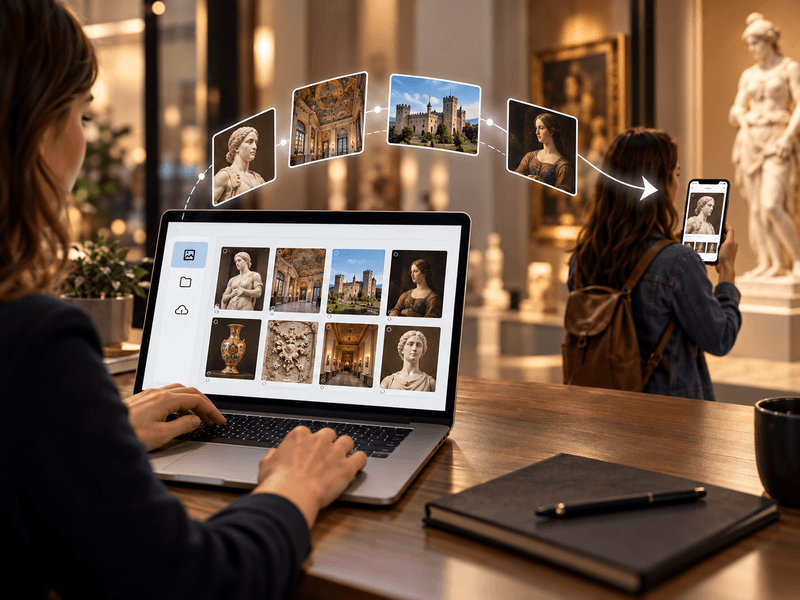
We provide a comprehensive tool or help with entering descriptions, preparing translations, audio guides and audio descriptions.
Read more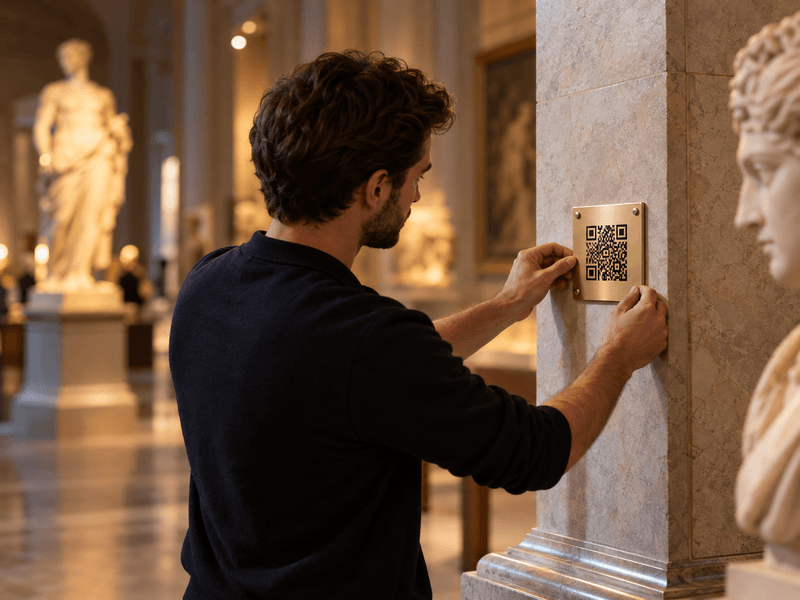
We prepare, print and install QR codes and descriptions of objects, choosing materials suitable for the display location.
Read more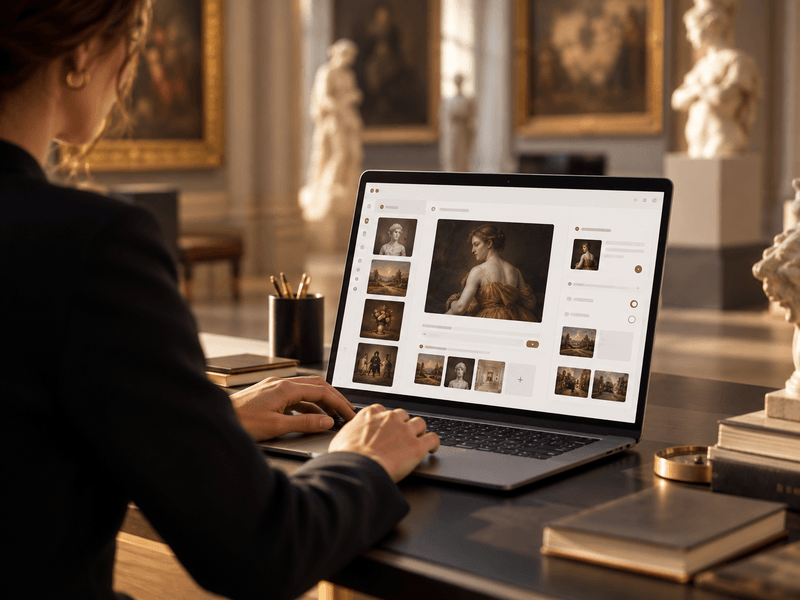
We provide a panel for managing exhibitions, rooms, routes, objects, media, translations and QR-code generation.
Read moreWe have prepared two sample implementations of our system: a city guide featuring town halls in Poland's largest cities, and an art collection. Open the details to view the public visitor websites and the login credentials for their CMS panels.
The public website shows what visitors see after scanning a QR code. CMS access lets you examine how content, media, categories and exhibits are organised.
Each demo illustrates a different use case: an urban environment and an art collection.
Go to demo