



Audio guide
Add your own recordings to any object or generate them in one of 33 supported languages.
Explore the detailsDynamic QR codes are one of QRator.space's most important features, connecting physical objects to their digital descriptions. They make it easy for visitors to access information about exhibits, monuments, exhibitions, rooms and stops along tourist routes. Simply scan a QR code with your phone's camera to go directly to the relevant web page containing descriptions, photographs, audio guides, audio descriptions and video materials.
Administrators can generate QR codes themselves directly in the QRator.space CMS panel. The system allows them to create signs for individual objects, entire exhibitions, rooms and categories. Every generated code leads to its assigned guide page, making it possible to build extensive information systems for museums, galleries, zoos, historic sites and urban spaces.
Generated QR codes can be customised to suit a particular exhibition. You can specify their size and add your own icon or graphic element, such as an institution's identifying symbol. This helps maintain visual consistency with a museum's, gallery's or tourist attraction's brand identity. The codes remain functional when scanned, while their appearance can be adapted to the presentation method and installation location.
Administrators can export finished QR codes from the CMS as PDF or SVG files. This allows the materials to be sent directly to a print shop, advertising agency or department responsible for preparing signs. SVG makes it possible to scale codes without losing quality, which is especially important when producing both small exhibit labels and larger information boards. PDF files make it easier to hand over print-ready materials.
However, you do not need to organise the production of signs yourself. QRator.space also offers QR-code printing and installation services, delivered according to individual arrangements and the needs of each site. We can help prepare suitable signs, choose their sizes and plan their placement in exhibition or tourist spaces. In this way, implementing a digital guide can cover both launching the system and physically labelling the objects.
One QR code is enough for all 33 supported languages. There is no need to print separate signs for tourists from different countries. After a QR code is scanned, the system takes the device browser's language settings into account and automatically directs the user to the appropriate language version, if one is available. A visitor from Poland can see a description in Polish, while tourists from Germany or France can see it in German or French respectively—all using exactly the same code.
Importantly, visitors can change the content language themselves at any time, even after opening an object's page. The system remembers the previously selected language, so users do not have to choose their preferred language version again when scanning subsequent QR codes within the guide. This is particularly useful for international tourists whose language preferences may differ from their device's default settings.
A major advantage of dynamic QR codes is the ability to update content without having to reprint or replace the signs. If an exhibit's description changes or new photographs, recordings, videos or additional translations are added, the administrator can make the necessary changes in the CMS panel. The QR code stays the same and continues to lead to the object's current presentation. This helps reduce the cost of maintaining signs, especially in places where exhibitions are regularly expanded or updated.
Dynamic QR codes in QRator.space combine ease of management, multilingual support, flexibility and savings. A single system lets you prepare signs, provide content to tourists from around the world and develop your digital guide without interfering with already installed boards or labels. As a result, physical spaces can be continually enriched with up-to-date information and new multimedia materials.
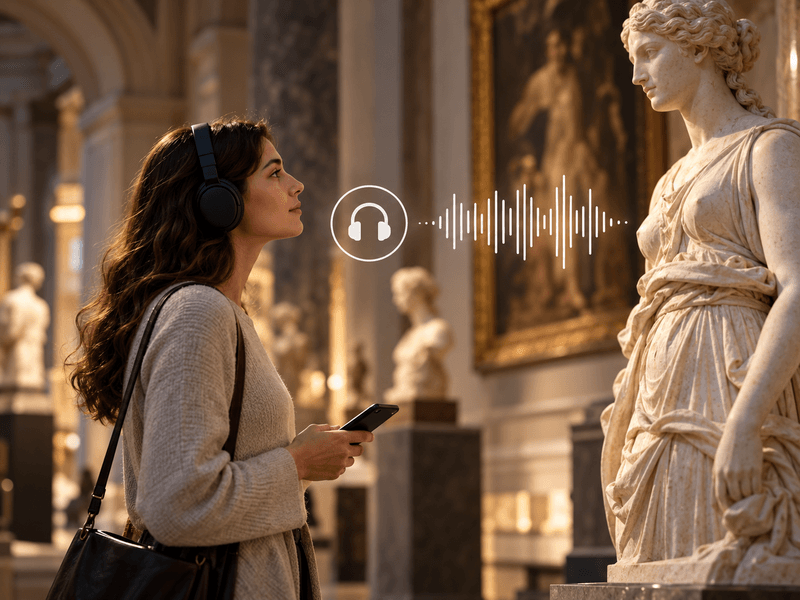
Add your own recordings to any object or generate them in one of 33 supported languages.
Explore the details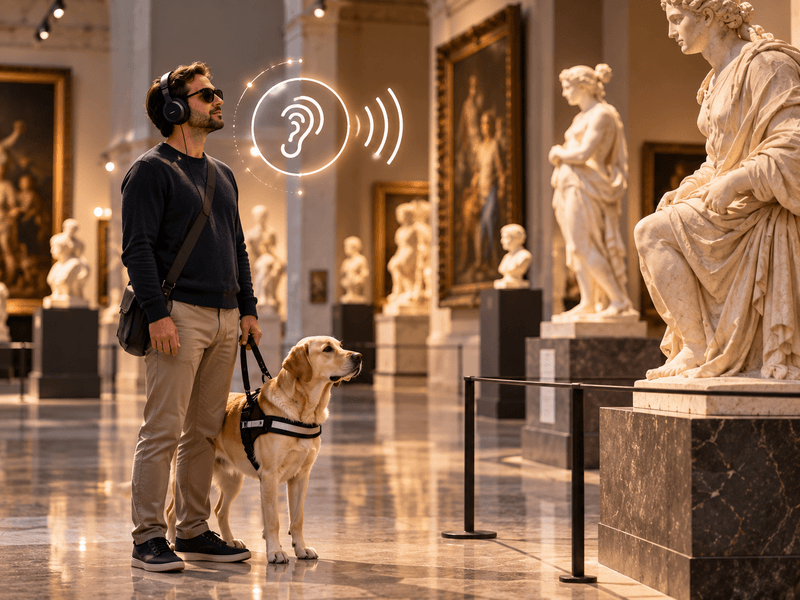
Your own recordings or recordings generated in one of 33 languages to describe the visual features of an object.
Explore the details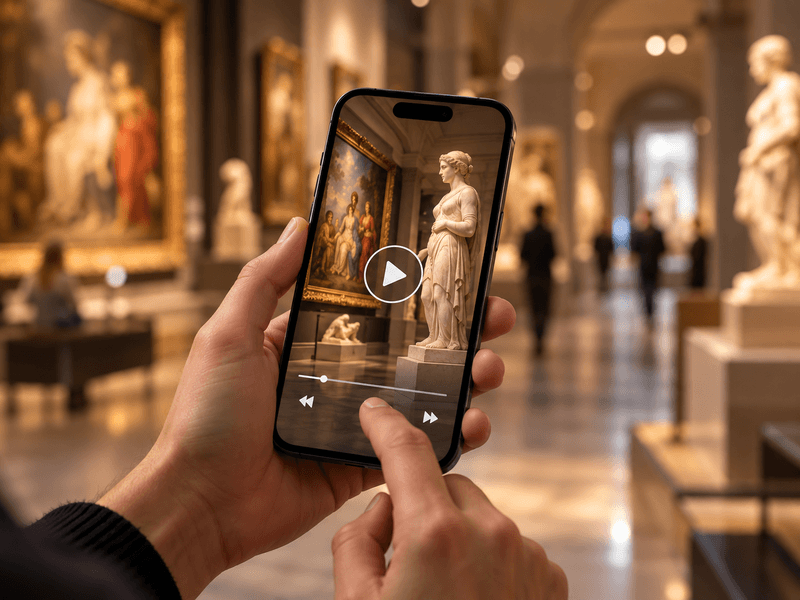
Embed videos from YouTube or Vimeo, or your own MP4 files, alongside objects, rooms and routes.
Explore the details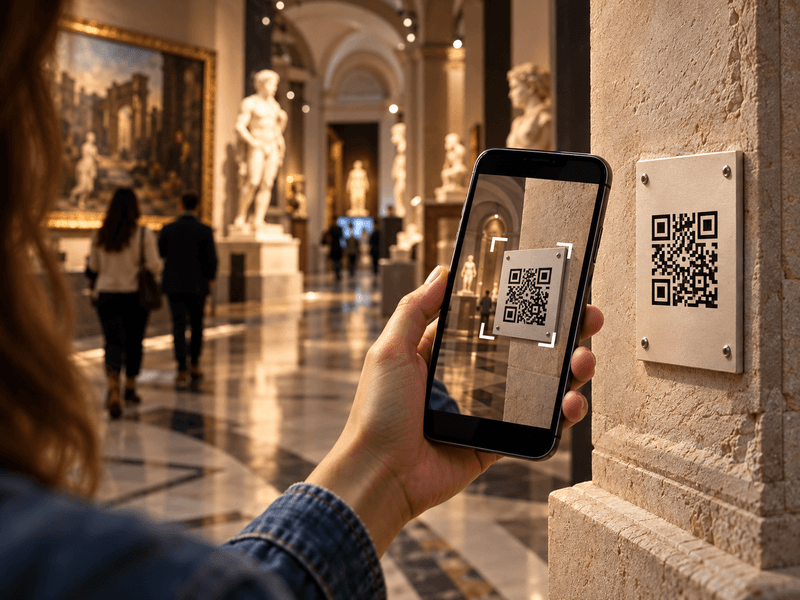
Visitors scan a QR code with their phone camera and immediately open a web page describing the object.
Explore the details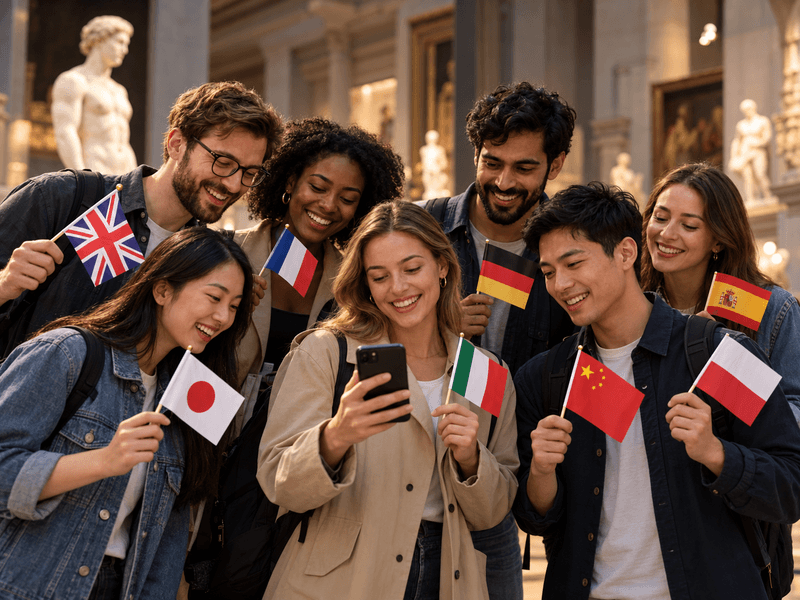
Translate content into as many as 33 languages. Prepare your own translations or use an AI tool with review.
Explore the details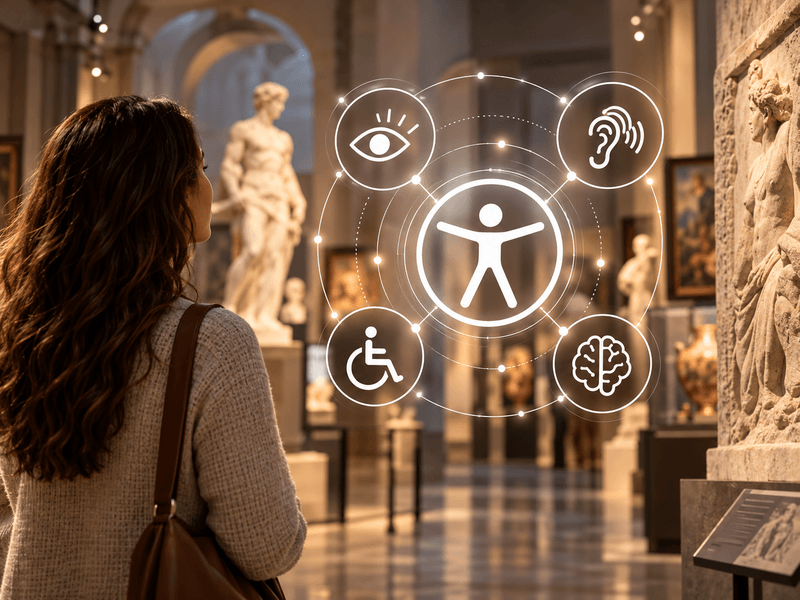
Digital guides accessible to everyone. Adjustable text size, high contrast, light and dark modes, and audio descriptions.
Explore the details
We offer comprehensive system deployment on QRator.space servers or the client’s server, always with a secure SSL connection.
Explore the details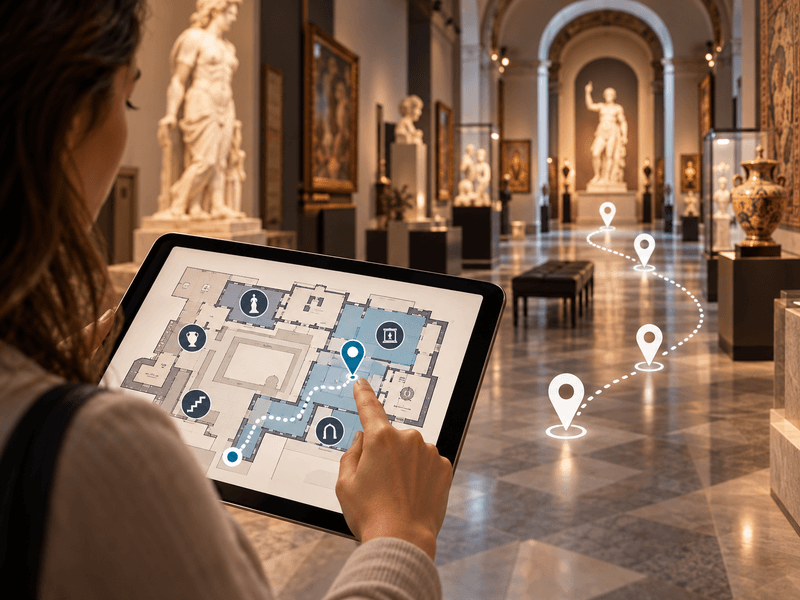
Use floor plans inside buildings, and maps showing locations and directions to them in outdoor spaces.
Explore the details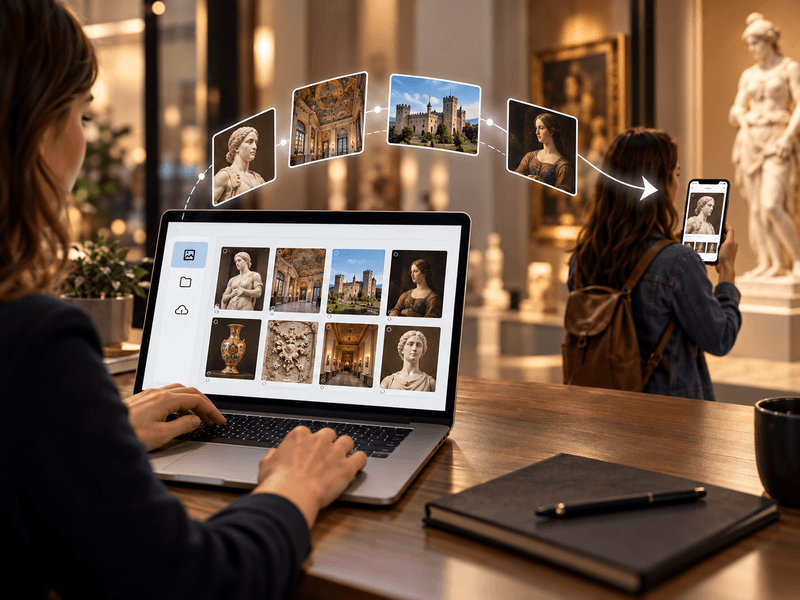
We provide a comprehensive tool or help with entering descriptions, preparing translations, audio guides and audio descriptions.
Explore the details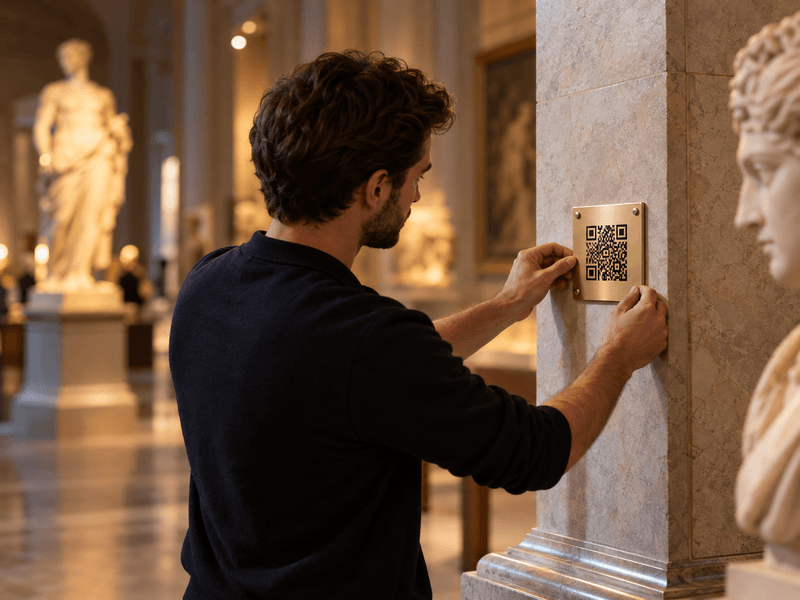
We prepare, print and install QR codes and descriptions of objects, choosing materials suitable for the display location.
Explore the details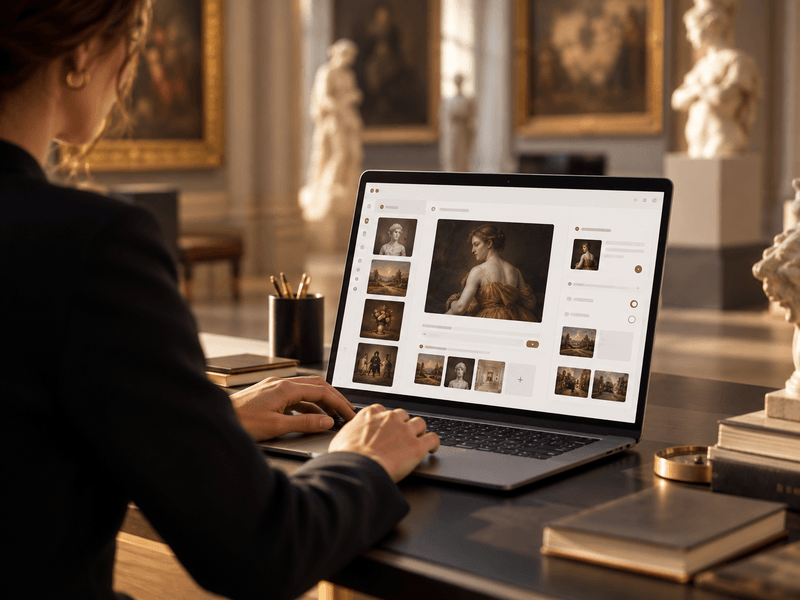
We provide a panel for managing exhibitions, rooms, routes, objects, media, translations and QR-code generation.
Explore the details