



Audio guide
Add your own recordings to any object or generate them in one of 33 supported languages.
Explore the detailsThe QRator.space digital guide connects the physical world with information available online. To help visitors use the content conveniently, QR codes should be positioned appropriately, clearly legible and suited to the display location. We offer a comprehensive service for preparing, printing and installing QR codes and information boards in museums, galleries, zoos, historic sites, urban spaces and along tourist routes.
We plan each implementation individually in cooperation with the client. We choose the form of signage according to the nature of the site, environmental conditions, intended use and available budget. A small label next to a museum exhibit requires different materials from an information board installed outside a building, in a park or next to a tourist trail. Our flexible approach allows us to offer both economical indoor solutions and more durable signs intended for intensive use.
For indoor exhibitions, we can prepare simple paper printouts protected with laminate, which work well for display cases, temporary exhibitions, educational stations and museum exhibits. This is a practical, inexpensive solution, especially where signs may occasionally need to be replaced or moved. Depending on the requirements, we select the appropriate format, QR-code size and installation method.
For more demanding applications, we offer prints protected by UV-resistant laminate and signage on specialist self-adhesive films, including materials also used for vehicle wrapping. These solutions can offer increased resistance to sunlight, moisture, abrasion and changing weather conditions. They are suitable for building exteriors, tourist information boards, infrastructure elements and areas where visitors frequently touch the signs. We select the type of film, laminate and adhesive according to the surface and installation conditions.
We can also produce complete plaques and information boards containing both a QR code and a traditional description of the object. Signs can include the exhibit's name, a short description, graphics, the institution's logo and a code leading to a detailed presentation in QRator.space. This means visitors receive essential information directly at the exhibit and, after scanning the code, can access a longer description, photographs, an audio guide, audio description and video materials in their chosen language.
We adapt the appearance of signs to the visual identity and character of the location. We can use the institution's colours, logo and graphic style, adjust plaque sizes and propose a content layout suited to a particular exhibition. We pay particular attention to QR-code legibility, sufficient contrast and appropriate sizing so visitors can conveniently scan signs from a normal distance.
Our work can include not only preparing print-ready materials but also organising production and installing signs at agreed locations. We choose the fixing method according to the type of surface and technical conditions, taking account of both durability and the appearance of the exhibition. For historic buildings and protected sites, we agree the installation method in accordance with applicable restrictions and required permissions.
A major benefit of QRator.space signage is the use of dynamic QR codes that do not need replacing when the digital guide's content is updated. If an exhibit's description changes or new photographs, translations or recordings are added, you only need to update the materials in the CMS panel. The installed code remains active and leads to the current content. This helps reduce reprinting costs, particularly for durable outdoor signs and information boards.
We do not impose a single material or installation method. We can prepare a few simple labels for a small exhibition, a full set of signs for a multi-storey museum or an extensive system of information boards throughout a park, city or tourist attraction. We agree the scope of work, production technology, materials and installation method individually so the solution meets the client's actual needs and budget.
With QRator.space, you can generate QR codes yourself and send PDF or SVG files to your chosen print shop, or entrust the entire process to us—from preparing the design and printing the signs to installing them. This gives you not only a digital guide, but also a complete solution for using it conveniently in the physical space.
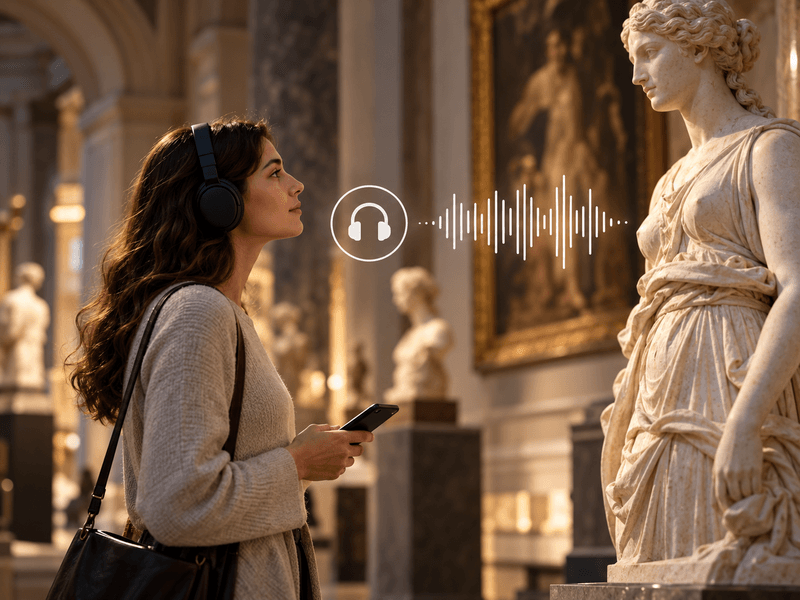
Add your own recordings to any object or generate them in one of 33 supported languages.
Explore the details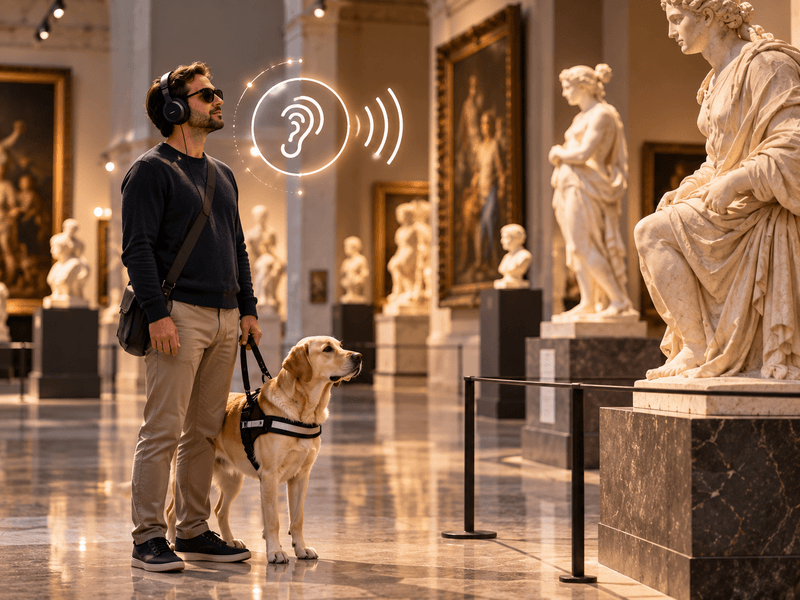
Your own recordings or recordings generated in one of 33 languages to describe the visual features of an object.
Explore the details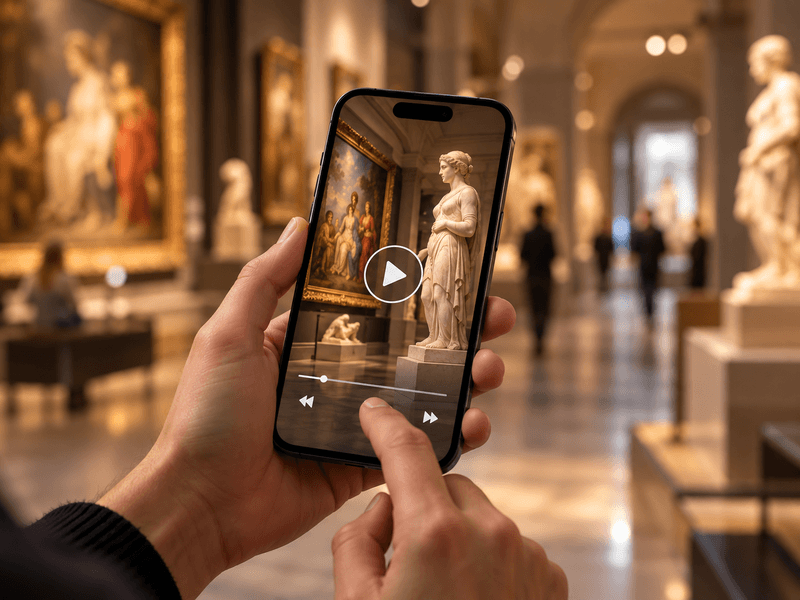
Embed videos from YouTube or Vimeo, or your own MP4 files, alongside objects, rooms and routes.
Explore the details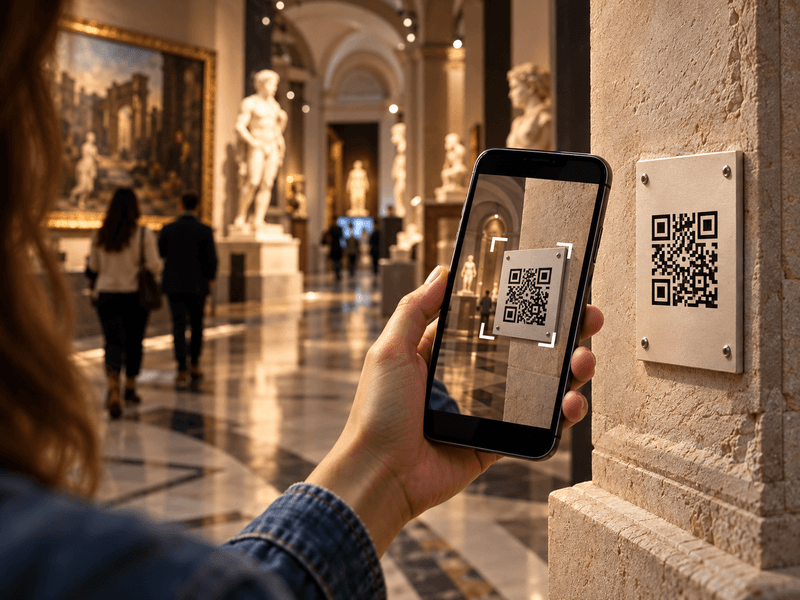
Visitors scan a QR code with their phone camera and immediately open a web page describing the object.
Explore the details
Translate content into as many as 33 languages. Prepare your own translations or use an AI tool with review.
Explore the details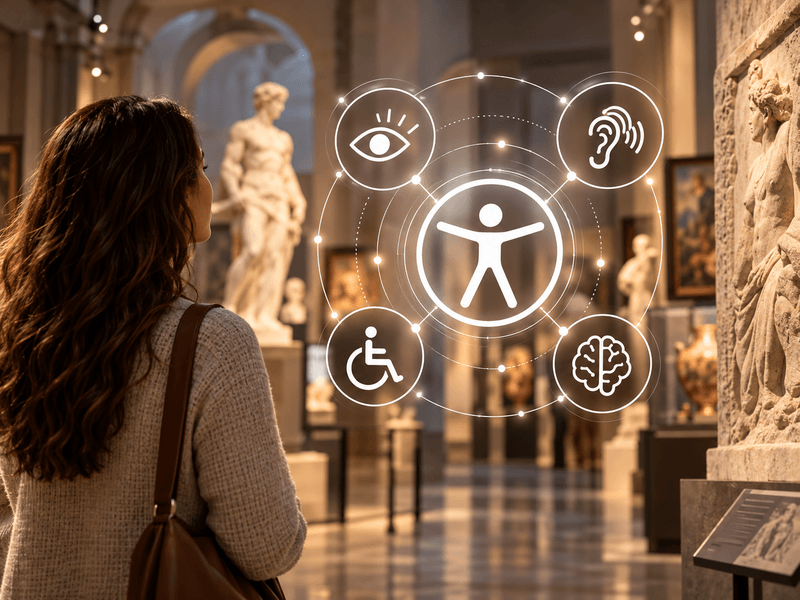
Digital guides accessible to everyone. Adjustable text size, high contrast, light and dark modes, and audio descriptions.
Explore the details
We offer comprehensive system deployment on QRator.space servers or the client’s server, always with a secure SSL connection.
Explore the details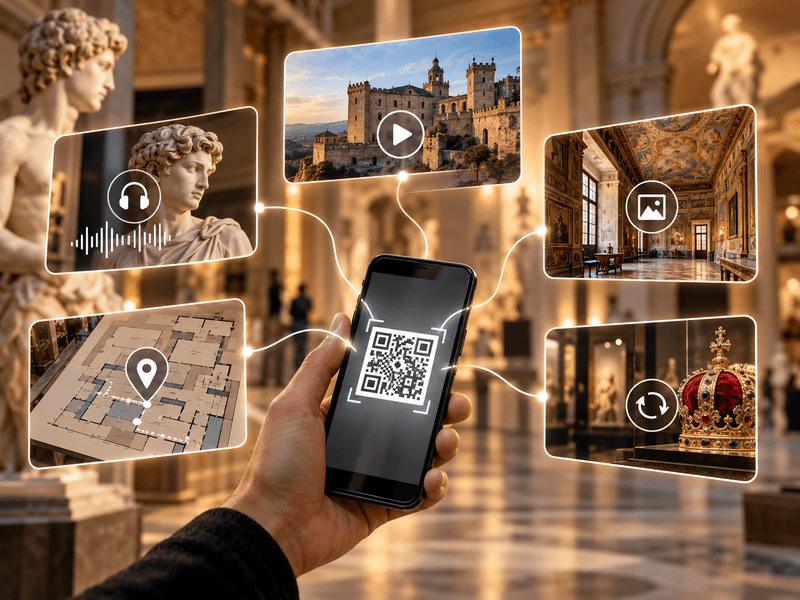
Create and customise dynamic QR codes for exhibitions, rooms, categories and objects. Export them as PDF or SVG files and direct visitors to content in their own language.
Explore the details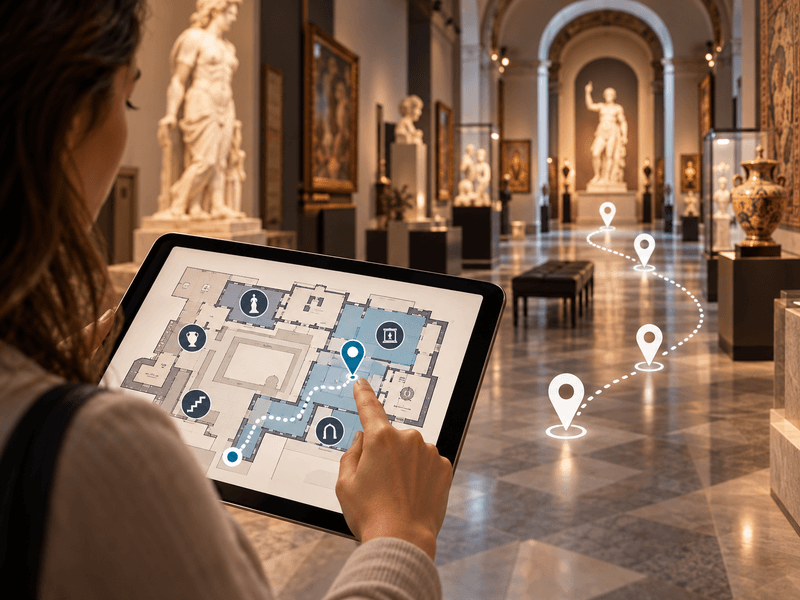
Use floor plans inside buildings, and maps showing locations and directions to them in outdoor spaces.
Explore the details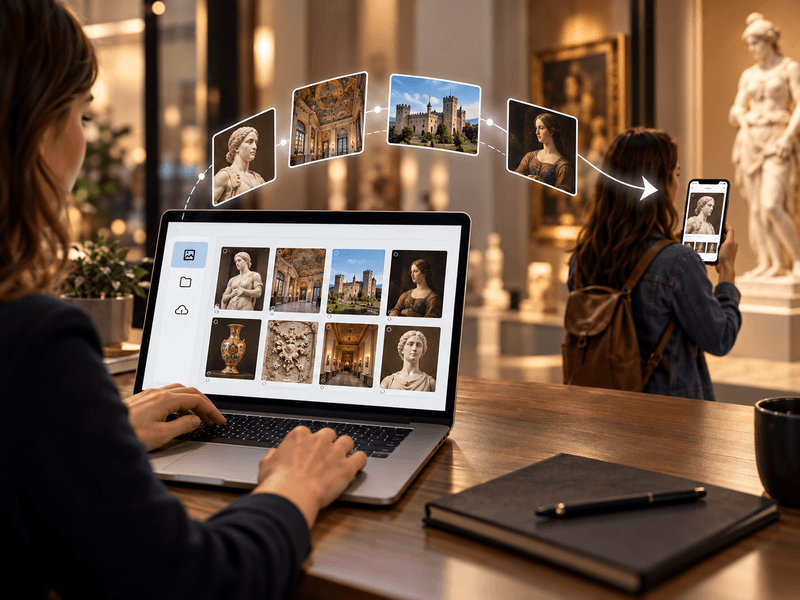
We provide a comprehensive tool or help with entering descriptions, preparing translations, audio guides and audio descriptions.
Explore the details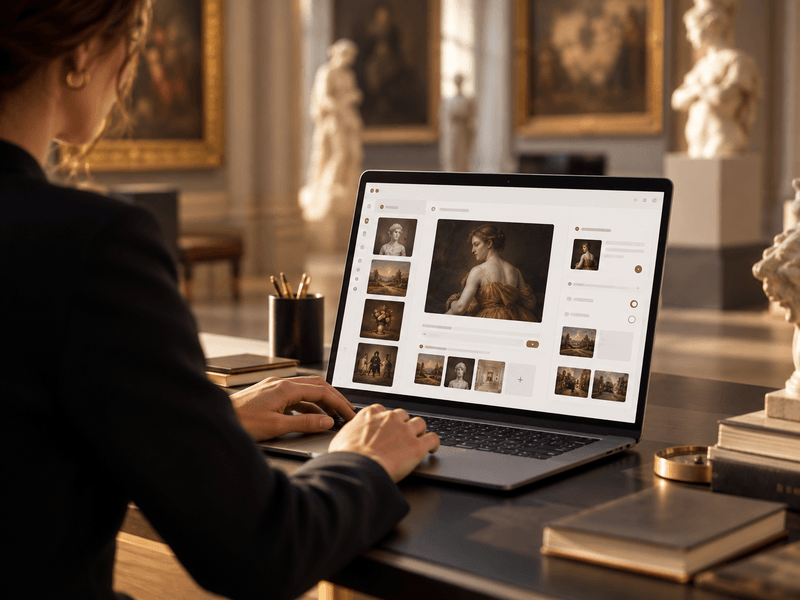
We provide a panel for managing exhibitions, rooms, routes, objects, media, translations and QR-code generation.
Explore the details