



Audio descriptions
Your own recordings or recordings generated in one of 33 languages to describe the visual features of an object.
Explore the detailsAn audio guide allows visitors to discover the history, interesting facts and details of objects on display without using traditional audio devices. They simply scan a QR code next to an exhibit, historic monument or another point along a route to play a prepared recording on their own phone. Visitors can listen at their own pace, pause playback and return to sections that interest them.
In QRator.space you can upload your own MP3 recordings made by a professional voice-over artist or generate them automatically using ElevenLabs technology. The generator converts written descriptions into natural-sounding speech, so preparing an audio guide does not require arranging recording sessions or working with a sound studio. This is particularly convenient for extensive exhibitions and when the content on display changes frequently.
An audio guide available in 33 languages makes it possible to reach local visitors as well as tourists from around the world. Every language version can have its own recording, and visitors listen to the content in the language they choose. The supported languages are: English, Arabic, Bulgarian, Chinese, Czech, Danish, Estonian, Finnish, French, Greek, Hebrew, Hindi, Spanish, Indonesian, Japanese, Korean, Lithuanian, Latvian, Dutch, German, Norwegian, Polish, Portuguese, Russian, Romanian, Slovak, Slovenian, Swedish, Thai, Turkish, Ukrainian, Hungarian and Vietnamese.
ElevenLabs recording generation is billed according to usage, so you pay for the material actually generated without incurring the expense of traditional audio production. Completed files can be reused, and new versions can be prepared whenever an object's description changes or another language version is introduced.
Everything works directly in the phone's browser, without installing an additional app. Audio guides are suitable for museums, galleries, zoos, historic sites, tourist routes and urban spaces, providing visitors with convenient access to information exactly where they need it.
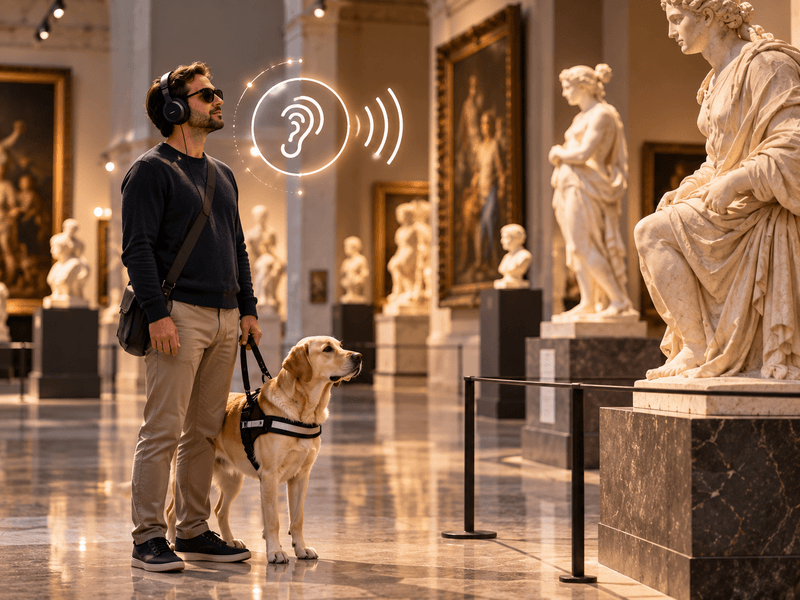
Your own recordings or recordings generated in one of 33 languages to describe the visual features of an object.
Explore the details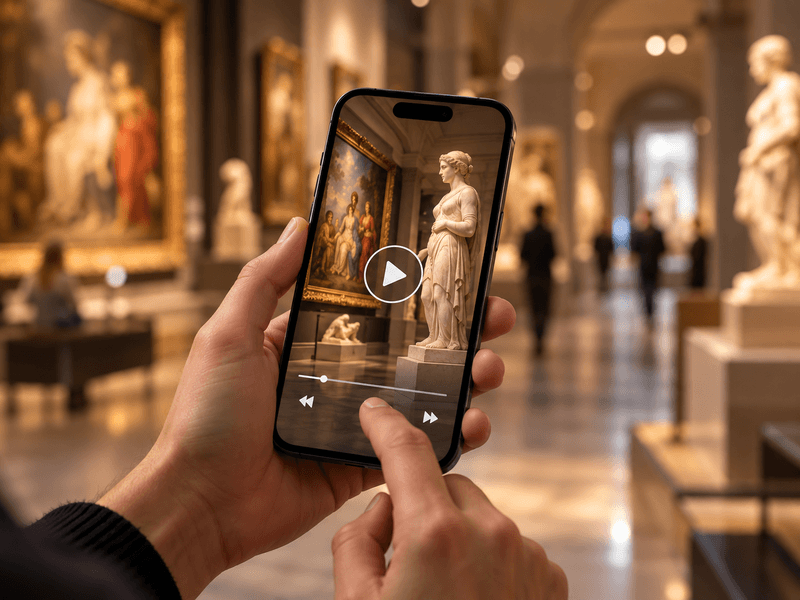
Embed videos from YouTube or Vimeo, or your own MP4 files, alongside objects, rooms and routes.
Explore the details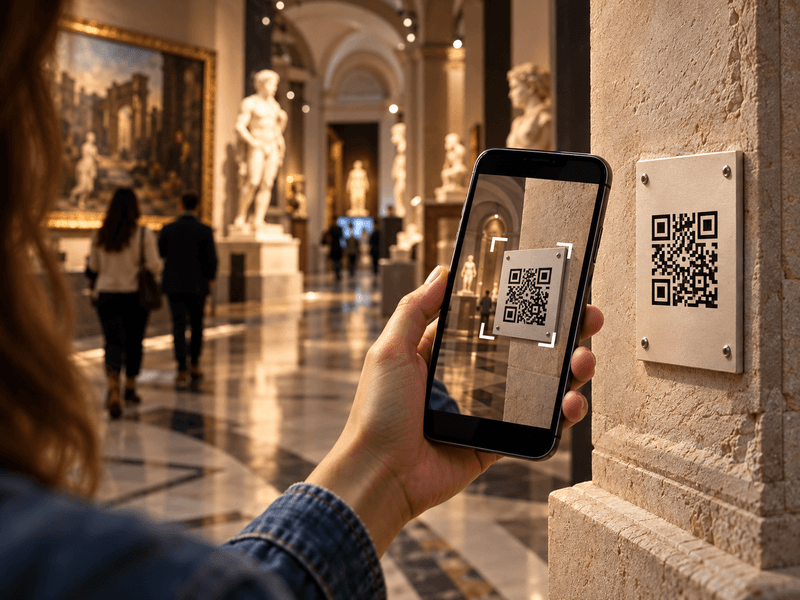
Visitors scan a QR code with their phone camera and immediately open a web page describing the object.
Explore the details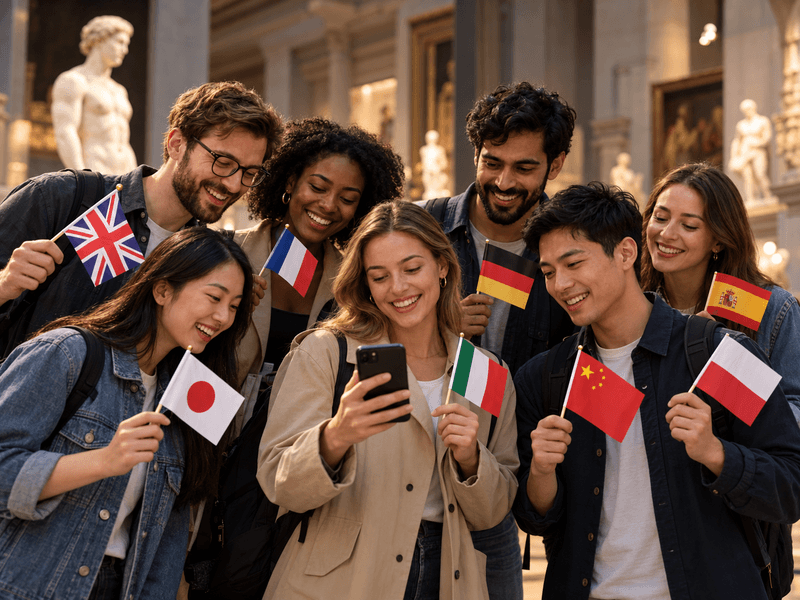
Translate content into as many as 33 languages. Prepare your own translations or use an AI tool with review.
Explore the details
Digital guides accessible to everyone. Adjustable text size, high contrast, light and dark modes, and audio descriptions.
Explore the details
We offer comprehensive system deployment on QRator.space servers or the client’s server, always with a secure SSL connection.
Explore the details
Create and customise dynamic QR codes for exhibitions, rooms, categories and objects. Export them as PDF or SVG files and direct visitors to content in their own language.
Explore the details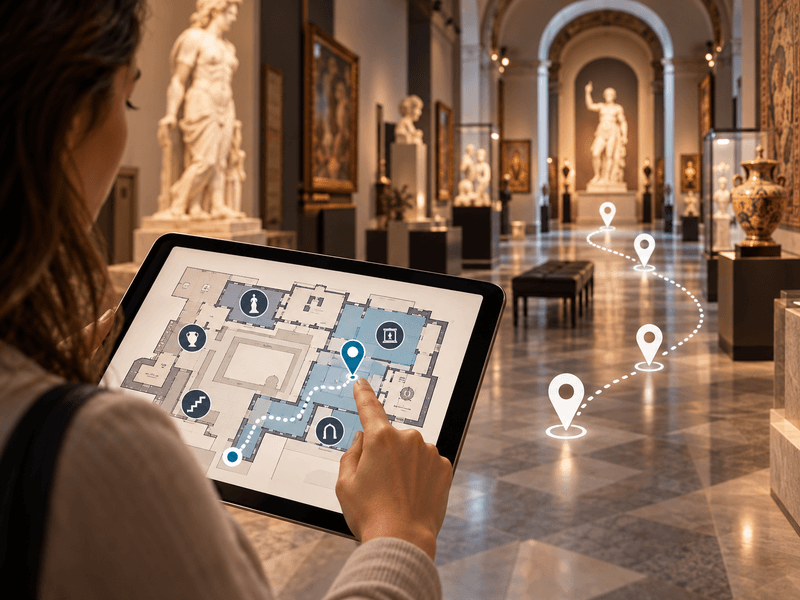
Use floor plans inside buildings, and maps showing locations and directions to them in outdoor spaces.
Explore the details
We provide a comprehensive tool or help with entering descriptions, preparing translations, audio guides and audio descriptions.
Explore the details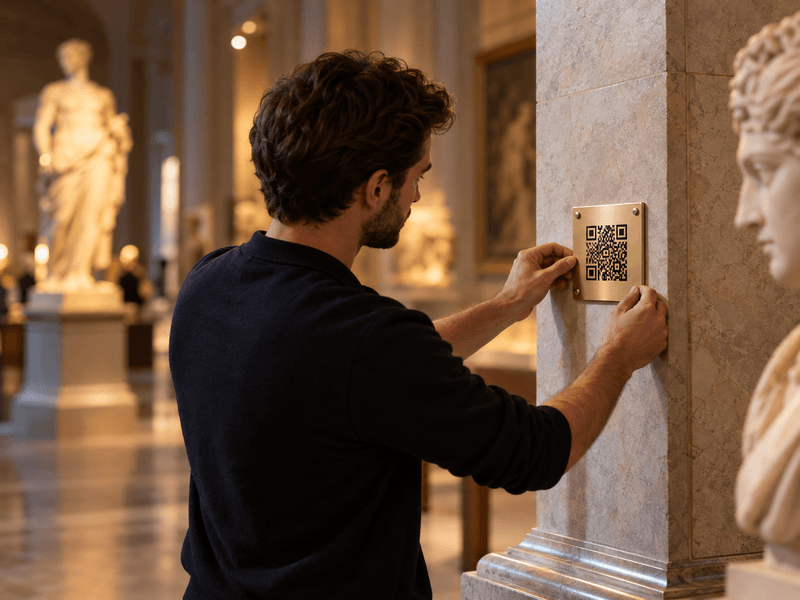
We prepare, print and install QR codes and descriptions of objects, choosing materials suitable for the display location.
Explore the details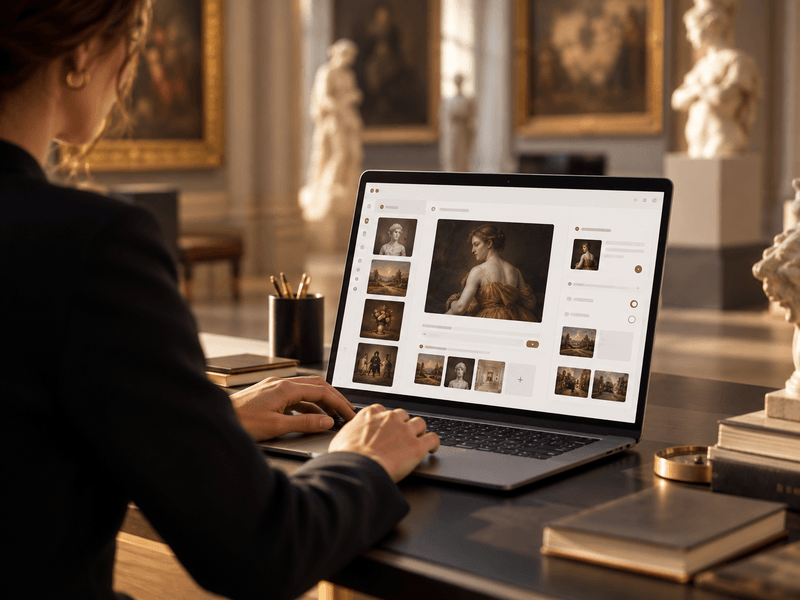
We provide a panel for managing exhibitions, rooms, routes, objects, media, translations and QR-code generation.
Explore the details