



Audio guide
Add your own recordings to any object or generate them in one of 33 supported languages.
Explore the detailsAudio description is a spoken description of visual elements that allows blind and partially sighted people to gain a better understanding of exhibits, works of art, historic monuments and their surrounding spaces. With properly prepared recordings, visitors can learn what a particular object looks like, including its colours, shapes, proportions and distinctive details that they cannot see for themselves.
In QRator.space, audio description can be assigned to any object or stop along a route. Visitors simply scan the QR code placed next to it to play the recording directly in their phone's browser, without installing another application. They can play descriptions independently, pause them and return to selected passages, exploring an exhibition at their own pace.
You can upload your own MP3 recordings or generate them automatically using ElevenLabs. Text-to-speech technology turns a prepared audio-description script into a natural-sounding voice recording. This is a convenient solution for institutions that want to provide descriptions for a large number of objects without organising separate recording sessions. Generated materials can be reused, and a new recording can be prepared whenever a description is updated.
Audio descriptions in 33 supported languages make content available to people from different countries. This means a museum, gallery, zoo or tourist attraction can also offer a more accessible experience to international visitors with visual impairments. Each language version can have a separate recording adapted to its prepared description.
Generating recordings with ElevenLabs is a paid service billed according to usage. This allows expenditure to be matched to the number of audio descriptions produced and the needs of a particular exhibition, without the expense of recording every description traditionally in a voice-over studio.
Audio description is an important part of making spaces accessible to all audiences. It helps remove barriers to culture, education and tourism by supplementing conventional descriptions with information conveyed through sound. In QRator.space, it can be provided alongside a standard audio guide, photographs, videos and other materials to create a more comprehensive visitor experience.
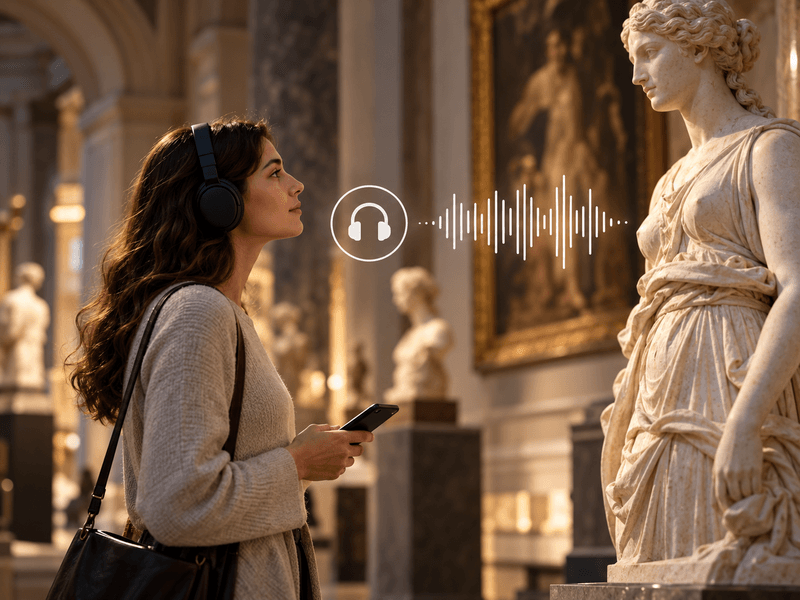
Add your own recordings to any object or generate them in one of 33 supported languages.
Explore the details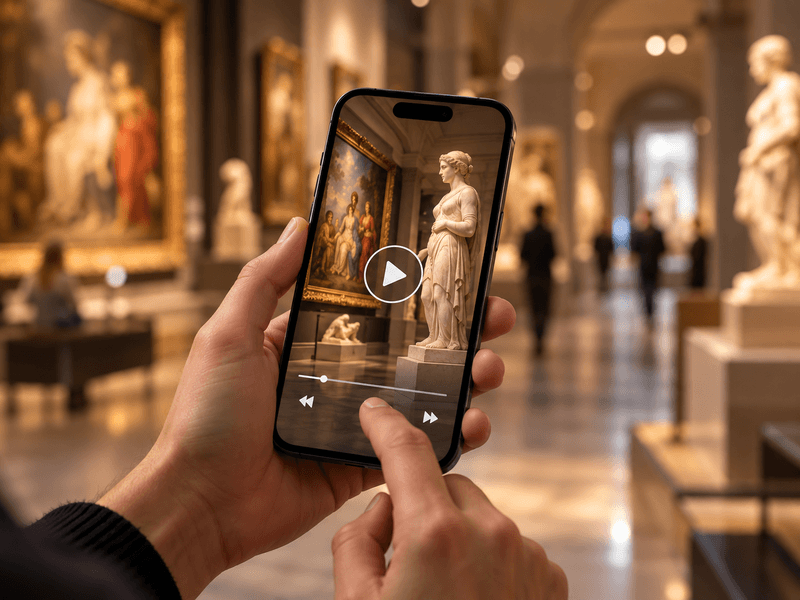
Embed videos from YouTube or Vimeo, or your own MP4 files, alongside objects, rooms and routes.
Explore the details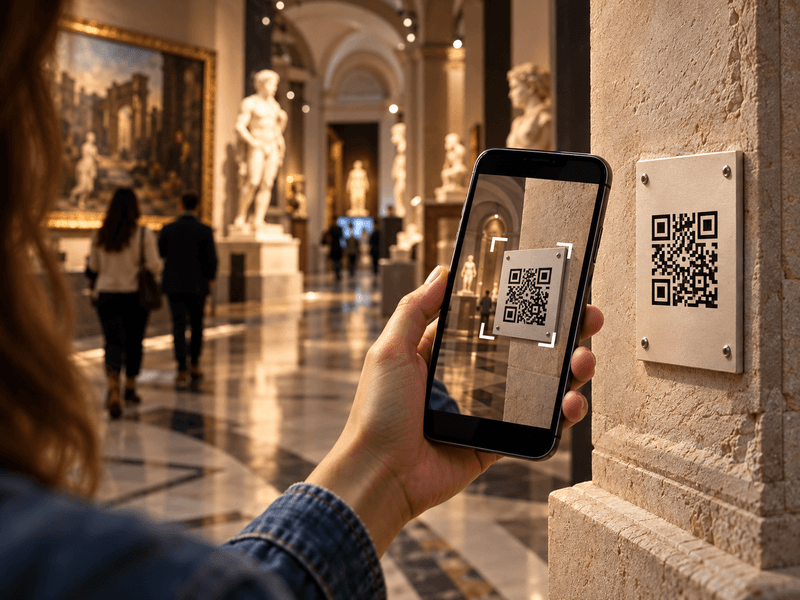
Visitors scan a QR code with their phone camera and immediately open a web page describing the object.
Explore the details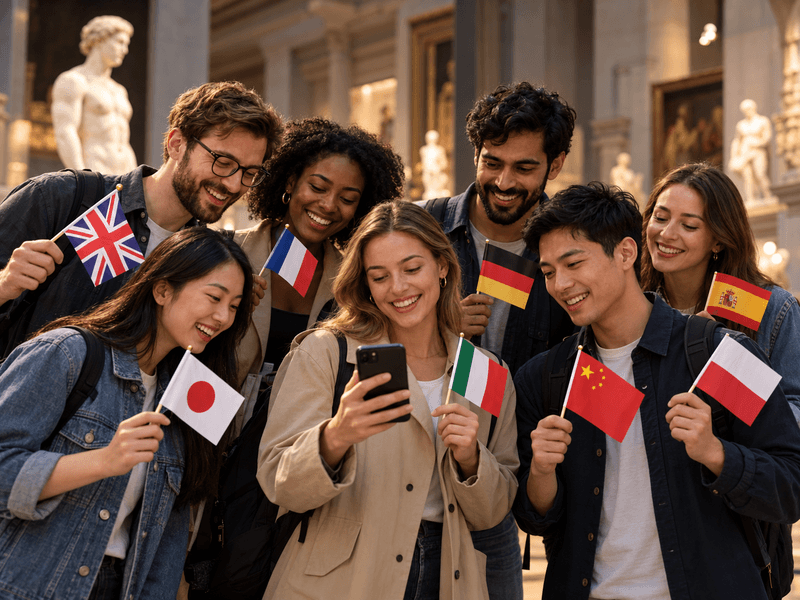
Translate content into as many as 33 languages. Prepare your own translations or use an AI tool with review.
Explore the details
Digital guides accessible to everyone. Adjustable text size, high contrast, light and dark modes, and audio descriptions.
Explore the details
We offer comprehensive system deployment on QRator.space servers or the client’s server, always with a secure SSL connection.
Explore the details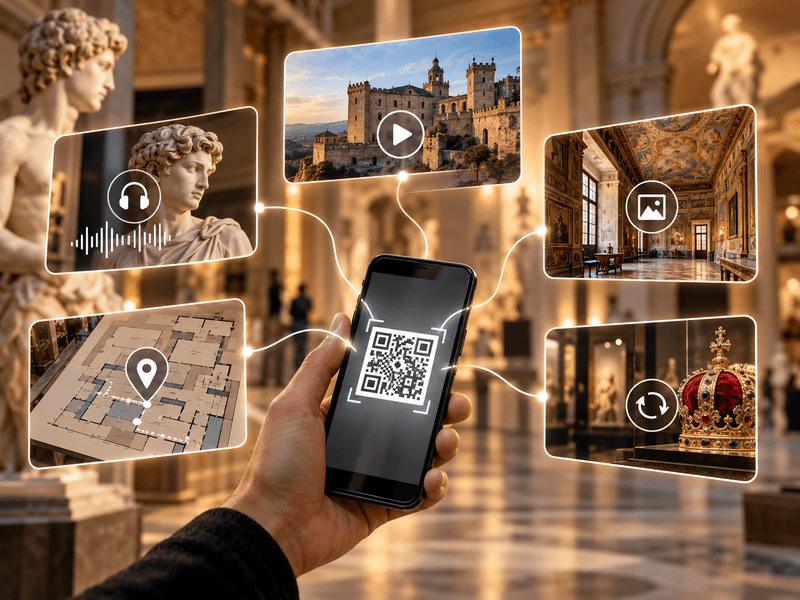
Create and customise dynamic QR codes for exhibitions, rooms, categories and objects. Export them as PDF or SVG files and direct visitors to content in their own language.
Explore the details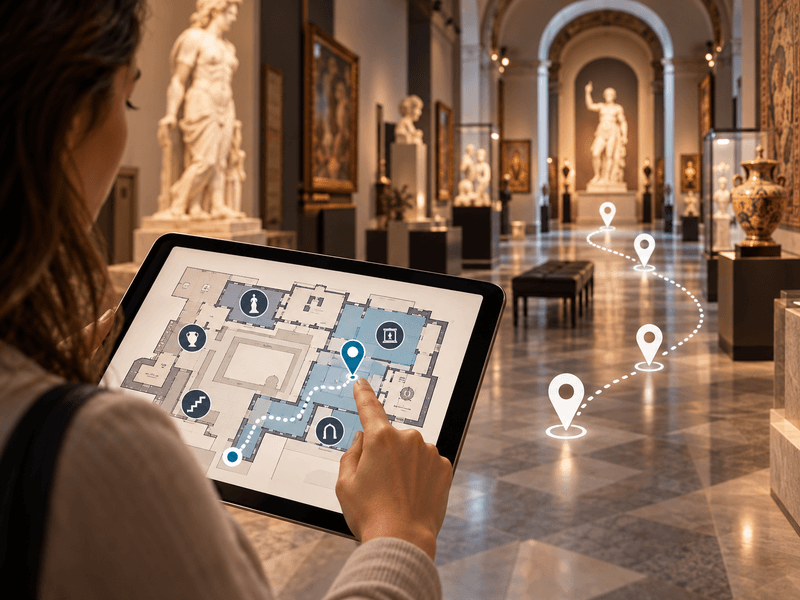
Use floor plans inside buildings, and maps showing locations and directions to them in outdoor spaces.
Explore the details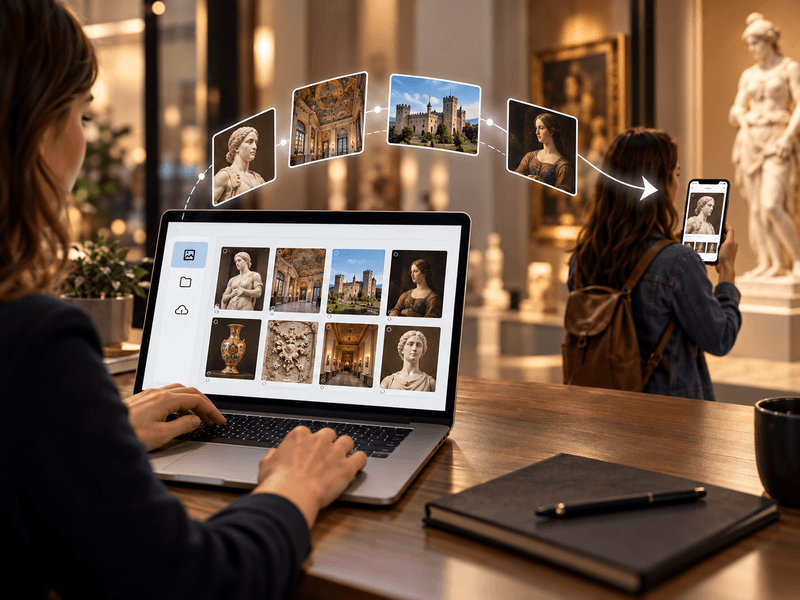
We provide a comprehensive tool or help with entering descriptions, preparing translations, audio guides and audio descriptions.
Explore the details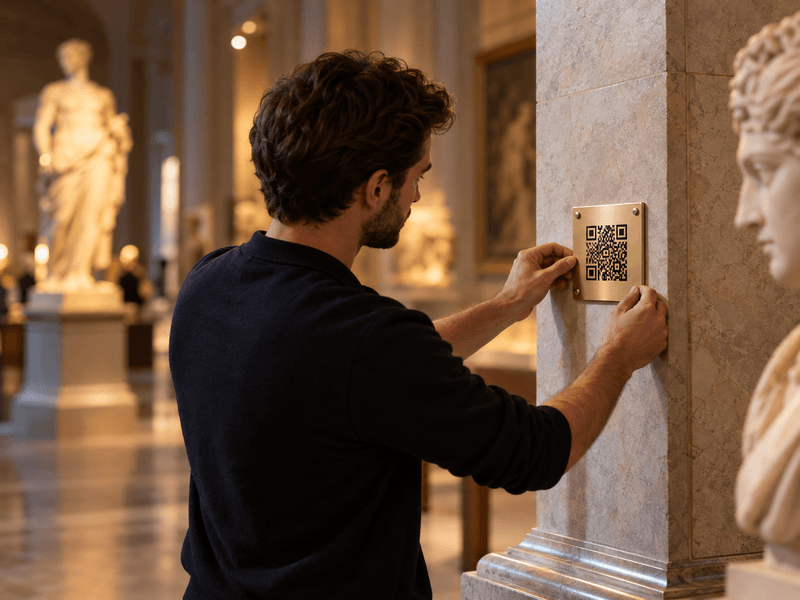
We prepare, print and install QR codes and descriptions of objects, choosing materials suitable for the display location.
Explore the details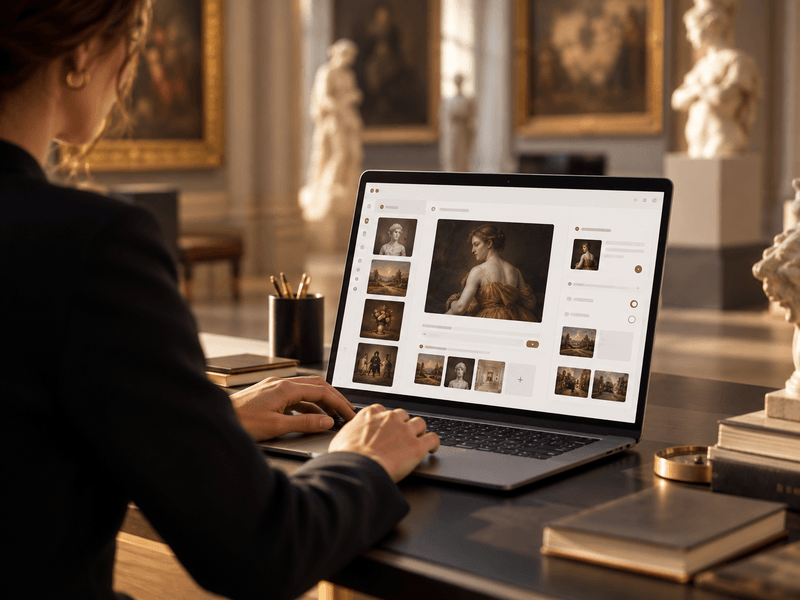
We provide a panel for managing exhibitions, rooms, routes, objects, media, translations and QR-code generation.
Explore the details