



Audio guide
Add your own recordings to any object or generate them in one of 33 supported languages.
Explore the detailsAccess to knowledge, culture and history should be possible for everyone, regardless of age, ability or how they use electronic devices. That is why QRator.space follows the digital accessibility principles set out in the international WCAG (Web Content Accessibility Guidelines) standard at Level AA. The aim is to provide comfortable access to information for the widest possible audience, including people with disabilities, older people and people with particular accessibility needs.
Visitors can adapt the way content is displayed to their own preferences. The guide allows them to change the text size, use a high-contrast mode and switch between light and dark colour themes. These features help improve the readability of descriptions in different lighting conditions and make the guide easier to use for people with reduced visual acuity.
An important element of QRator.space accessibility is audio description, meaning a spoken account of the visual aspects of exhibits, monuments and other objects. It enables blind and partially sighted visitors to learn about shapes, colours, proportions and distinctive details of the objects and spaces presented. Audio descriptions can be provided as original recordings or generated from appropriately prepared text using ElevenLabs text-to-speech technology.
QRator.space also makes it possible to provide information in text, audio and visual formats. Visitors can therefore use descriptions, photographs, audio guides, audio descriptions and video materials according to their individual needs and perceptual abilities. The variety of formats in which information is delivered helps increase the accessibility of exhibitions and makes it easier to explore the objects presented independently.
The WCAG AA standard is particularly important for public institutions such as museums, galleries, cultural centres, local government bodies and institutions managing historic sites. In Poland, the digital accessibility of websites and mobile applications operated by public bodies is governed by law. Using a solution that takes accessibility requirements into account can help institutions meet their obligations, although the accessibility compliance of the final publication also depends on how its content is prepared and made available.
Digital accessibility is not simply a matter of meeting formal requirements. Above all, it means greater independence for visitors, more convenient access to information and the opportunity to participate in culture on more equal terms. QRator.space helps create modern, welcoming guides that accommodate diverse audience needs and allow institutions to make their collections and resources available to more visitors.
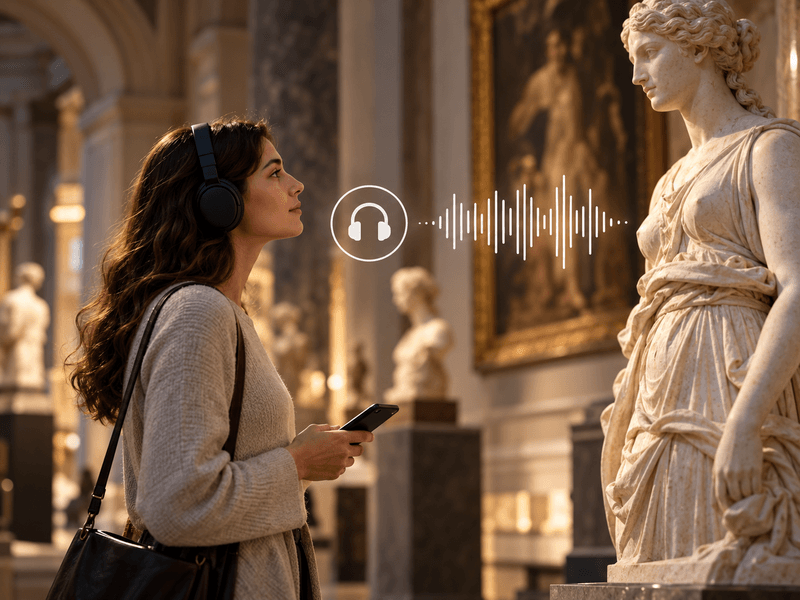
Add your own recordings to any object or generate them in one of 33 supported languages.
Explore the details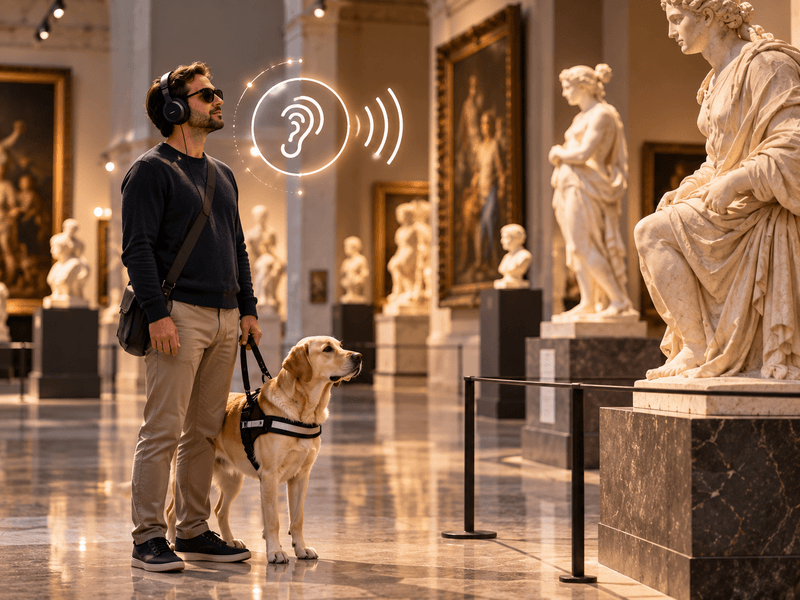
Your own recordings or recordings generated in one of 33 languages to describe the visual features of an object.
Explore the details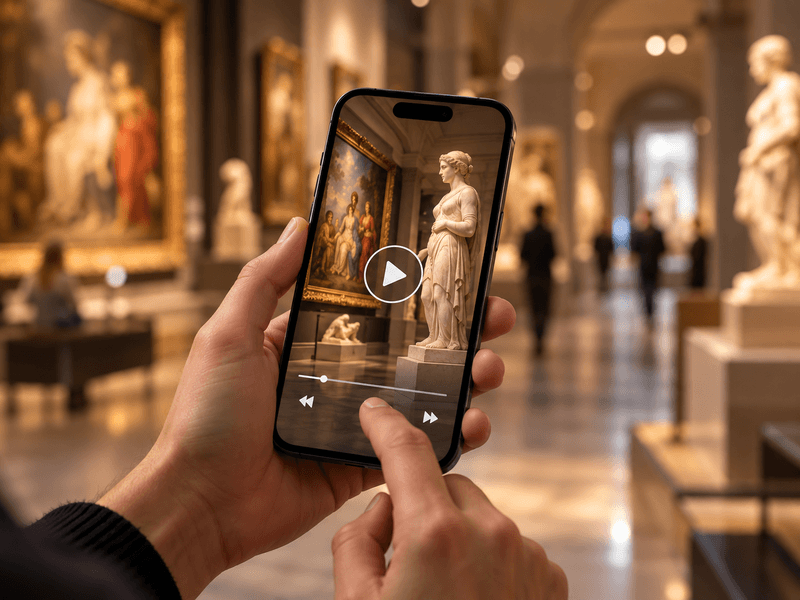
Embed videos from YouTube or Vimeo, or your own MP4 files, alongside objects, rooms and routes.
Explore the details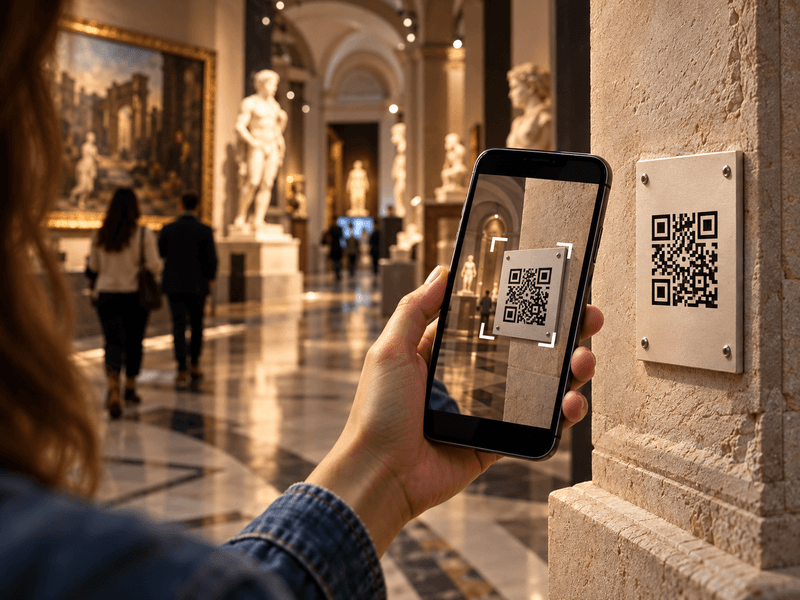
Visitors scan a QR code with their phone camera and immediately open a web page describing the object.
Explore the details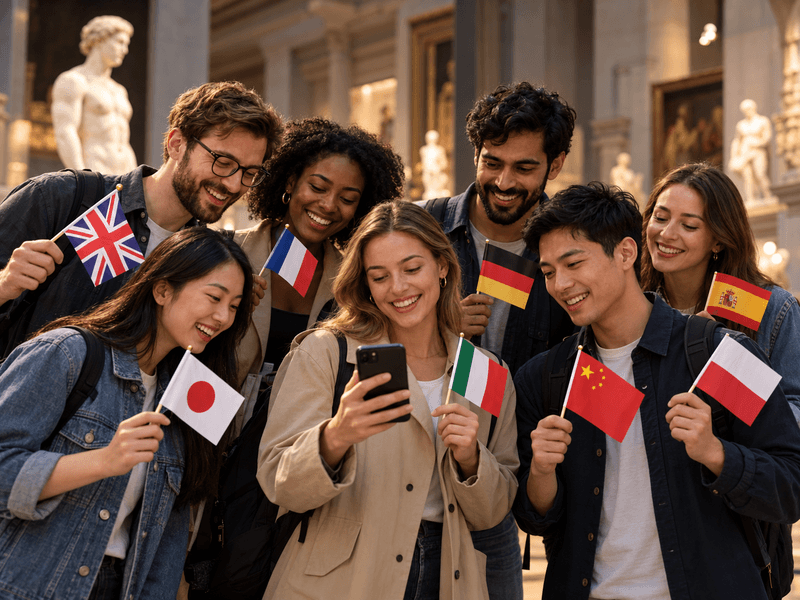
Translate content into as many as 33 languages. Prepare your own translations or use an AI tool with review.
Explore the details
We offer comprehensive system deployment on QRator.space servers or the client’s server, always with a secure SSL connection.
Explore the details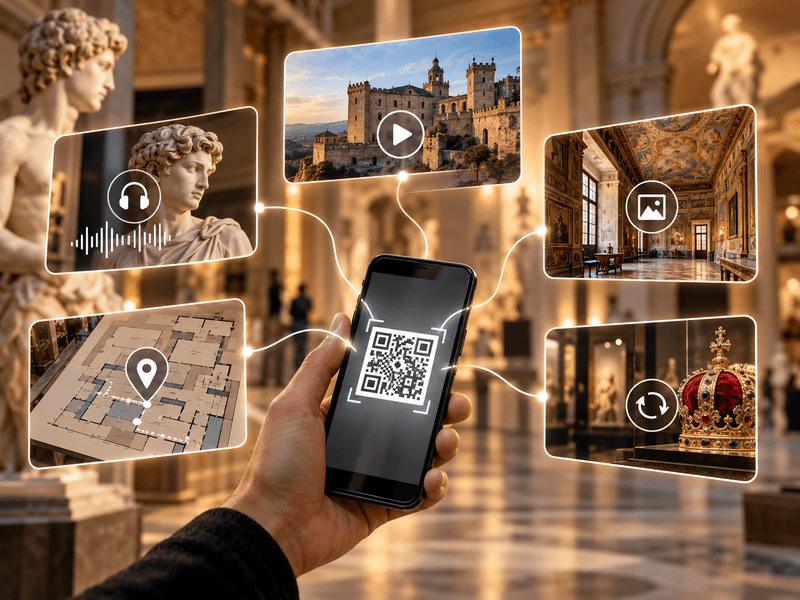
Create and customise dynamic QR codes for exhibitions, rooms, categories and objects. Export them as PDF or SVG files and direct visitors to content in their own language.
Explore the details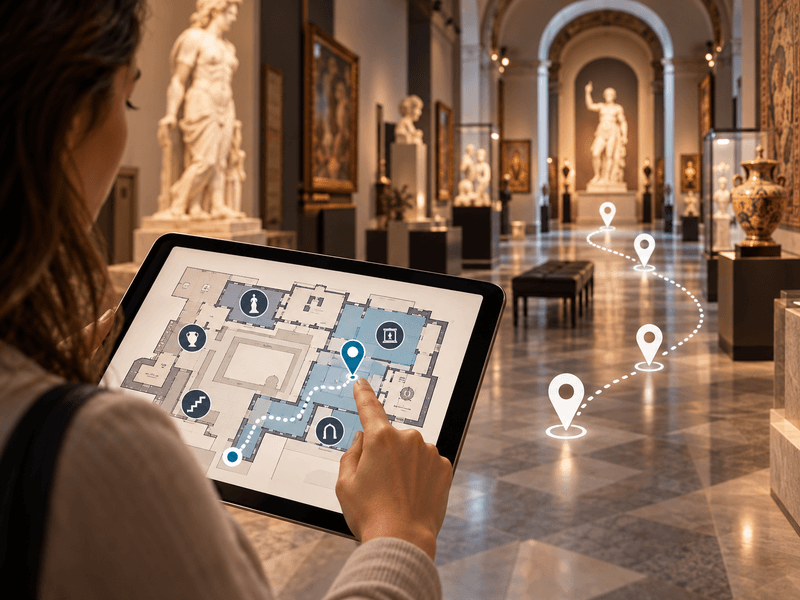
Use floor plans inside buildings, and maps showing locations and directions to them in outdoor spaces.
Explore the details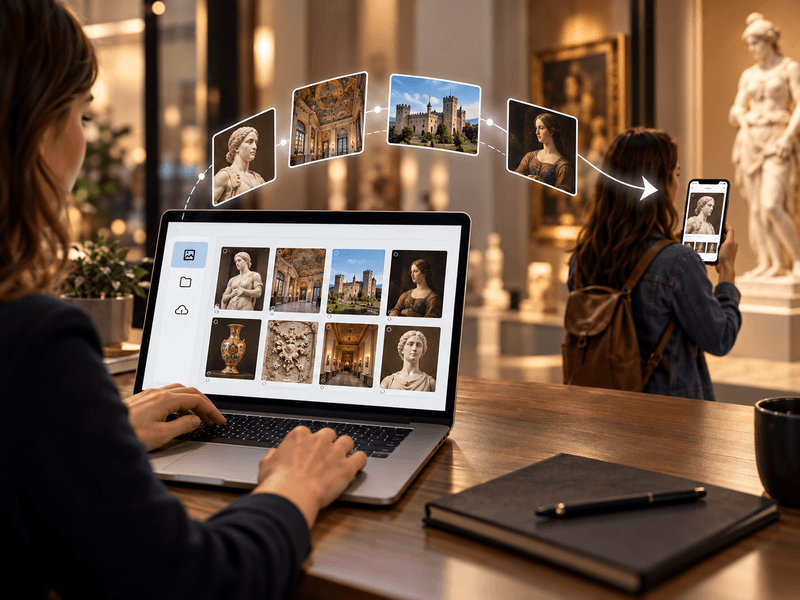
We provide a comprehensive tool or help with entering descriptions, preparing translations, audio guides and audio descriptions.
Explore the details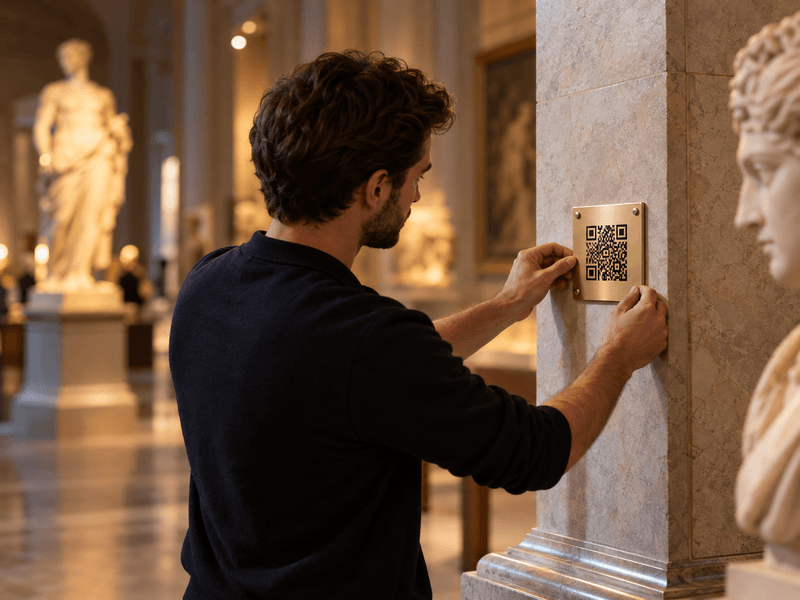
We prepare, print and install QR codes and descriptions of objects, choosing materials suitable for the display location.
Explore the details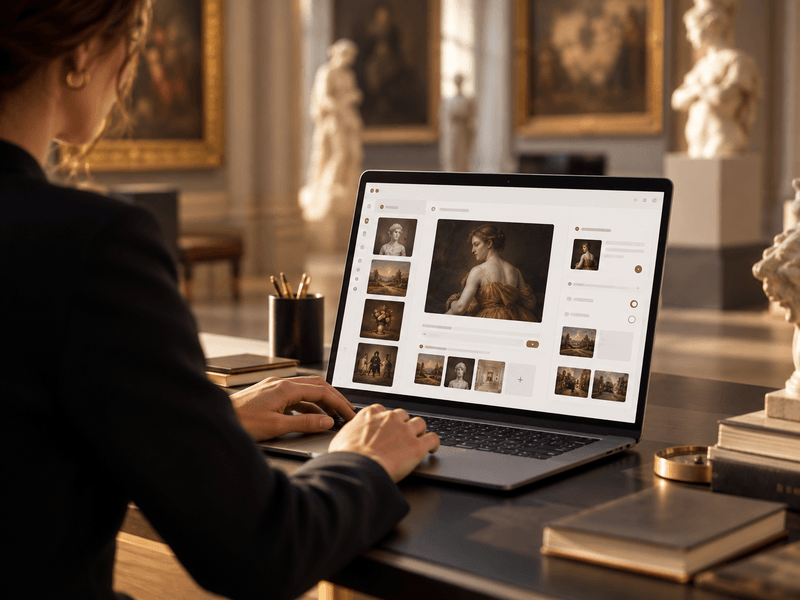
We provide a panel for managing exhibitions, rooms, routes, objects, media, translations and QR-code generation.
Explore the details