



Audio guide
Add your own recordings to any object or generate them in one of 33 supported languages.
Explore the detailsCreating and maintaining a digital guide does not require specialist IT knowledge. QRator.space provides an intuitive content management system (CMS) that allows you to create, edit and expand online guides independently for museums, galleries, zoos, monuments, cities and tourist attractions. All key features are in one administration panel, so managing even extensive exhibitions remains convenient and organised.
In the CMS panel, you can build the structure of the entire guide by adding exhibitions, rooms, categories, visitor routes and individual objects. Each object can be given a name, detailed description, photographs, audio recordings, videos and other available presentation elements. This allows you to organise the content of even a large museum or sprawling tourist attraction and then present it to visitors in a clear format.
The system allows you to upload your own content and multimedia files independently. You can add prepared descriptions, photographs of exhibits, MP3 audio files, MP4 videos and video material from YouTube and Vimeo. All resources can be assigned to the relevant objects so that, after scanning a QR code, visitors have access to a complete presentation of a particular place, work of art or exhibit.
QRator.space also allows you to generate audio guides and audio descriptions directly from the CMS panel. Thanks to integration with ElevenLabs technology, you can turn prepared text into natural-sounding voice recordings. You do not need separate tools or traditional recording sessions for every description. You can also upload your own audio files recorded by professional voice-over artists. In the case of audio description, the text should first be prepared appropriately so that it accurately describes the object's visual features.
Another important CMS feature is content management in 33 supported languages. You can enter translations yourself or use automatic translation through DeepL, which communicates with QRator.space via API. Generated translations can then be reviewed, corrected and supplemented directly in the system. As a result, even an extensive multilingual guide can be managed in one place, while the institution's staff retain full control over the content they publish.
The QRator.space administration panel itself is also available in 33 languages. This means that the people responsible for maintaining the guide can use the CMS interface in their preferred language. This is particularly useful for international institutions, multilingual teams and organisations employing people from different countries. Multilingual support therefore covers not only the materials made available to visitors, but also the tool used to prepare and publish them.
In the CMS panel, you can also generate and customise dynamic QR codes yourself for exhibitions, rooms, categories and individual objects. The system lets you adjust their size, add your own icon and export finished signs as PDF or SVG files for a print shop. After descriptions, photographs, translations or other materials are updated, the QR code remains unchanged, so there is no need to reprint or replace the signs.
Only authorised people have access to the administration panel. Managing the guide requires logging in, which separates the publicly available visitor content from the administrative functions used to create and edit it. Visitors to a museum or tourist attraction can therefore browse object pages without signing in, while adding and modifying materials is reserved for authorised system users.
The QRator.space CMS also lets you update the guide whenever you need to, without involving a programmer. You can correct an exhibit description, change a photograph, add a new language version, generate a recording or enter another object at any time. This is particularly important for institutions whose exhibitions change regularly, which host temporary exhibitions or are expanding their tourist offering.
Would you like to see how managing the guide works in practice? We provide a demonstration version of QRator.space in the DEMO section, where you can explore the interface and features of the CMS panel. Try the tool and see how easily you can prepare your own digital guide.
QRator.space combines ease of use with extensive capabilities for content management, multimedia and multilingual publishing. Whether you run a small gallery, a large museum or an extensive tourist complex, you get one tool for creating, publishing and expanding digital guides. All without needing to use numerous separate systems and applications.
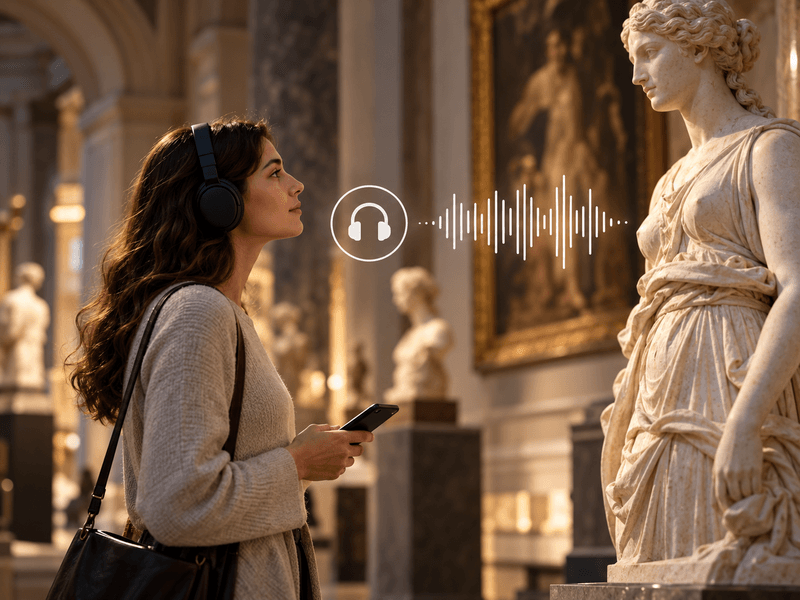
Add your own recordings to any object or generate them in one of 33 supported languages.
Explore the details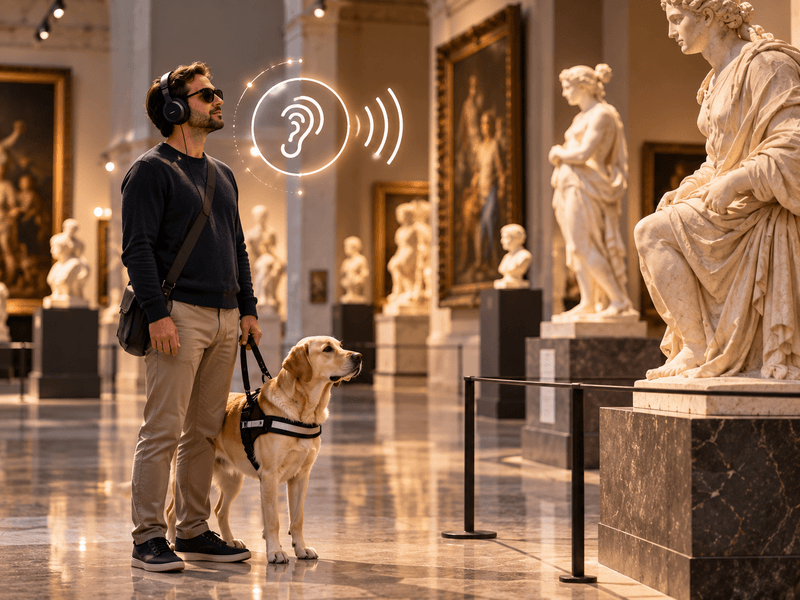
Your own recordings or recordings generated in one of 33 languages to describe the visual features of an object.
Explore the details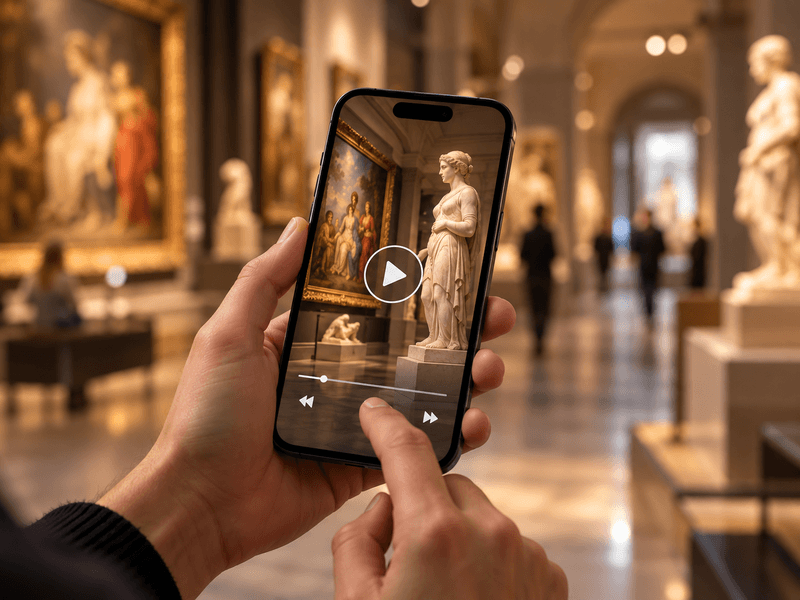
Embed videos from YouTube or Vimeo, or your own MP4 files, alongside objects, rooms and routes.
Explore the details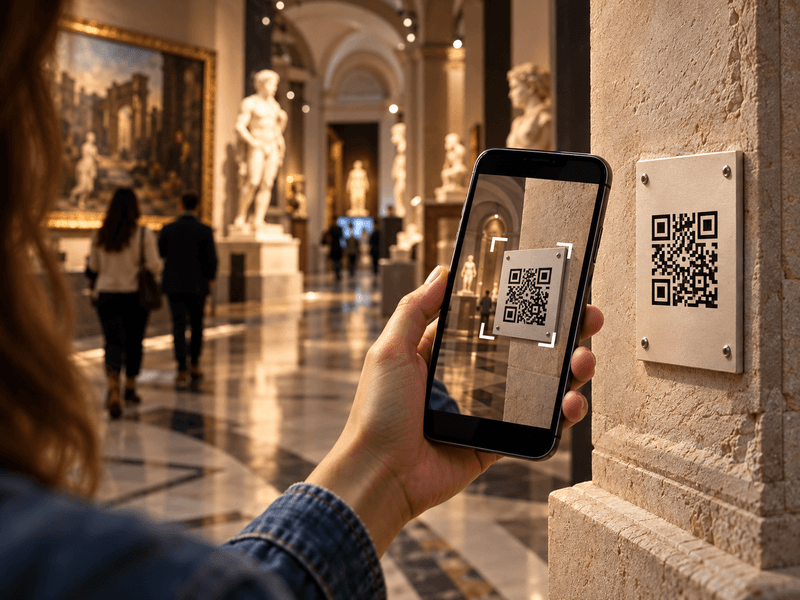
Visitors scan a QR code with their phone camera and immediately open a web page describing the object.
Explore the details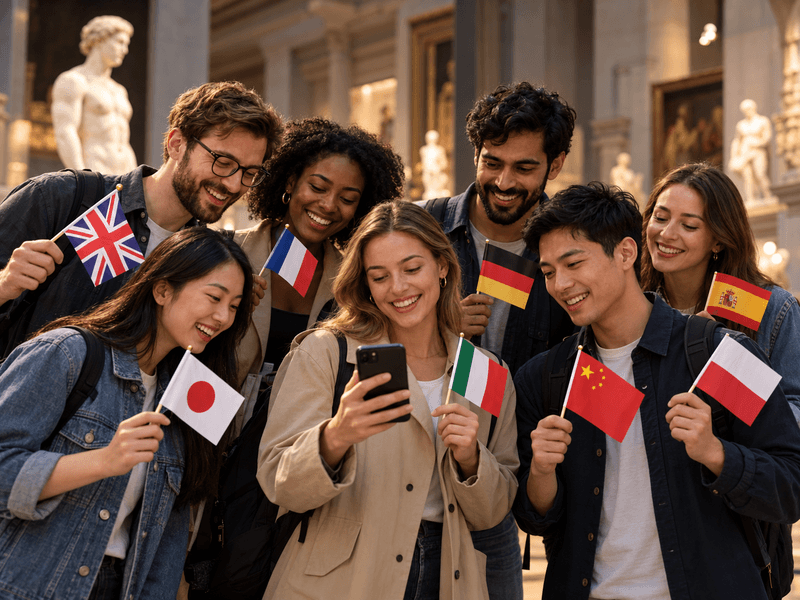
Translate content into as many as 33 languages. Prepare your own translations or use an AI tool with review.
Explore the details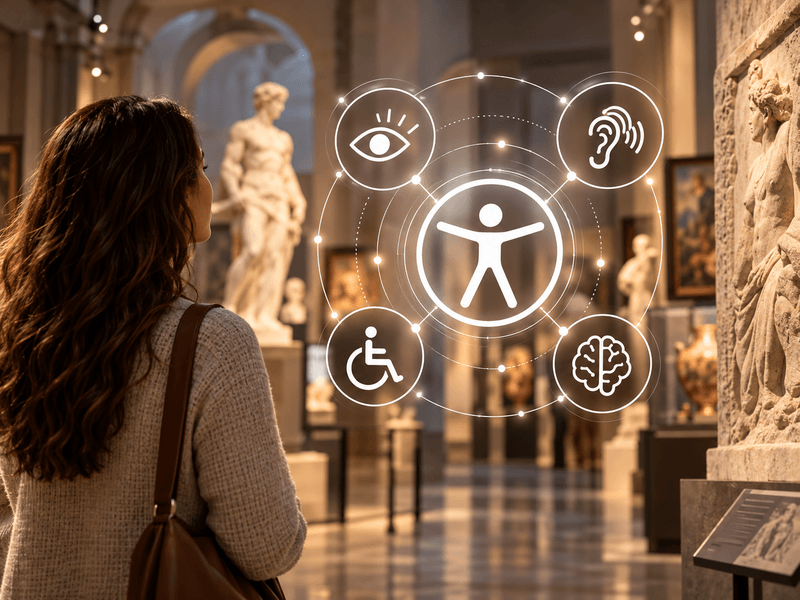
Digital guides accessible to everyone. Adjustable text size, high contrast, light and dark modes, and audio descriptions.
Explore the details
We offer comprehensive system deployment on QRator.space servers or the client’s server, always with a secure SSL connection.
Explore the details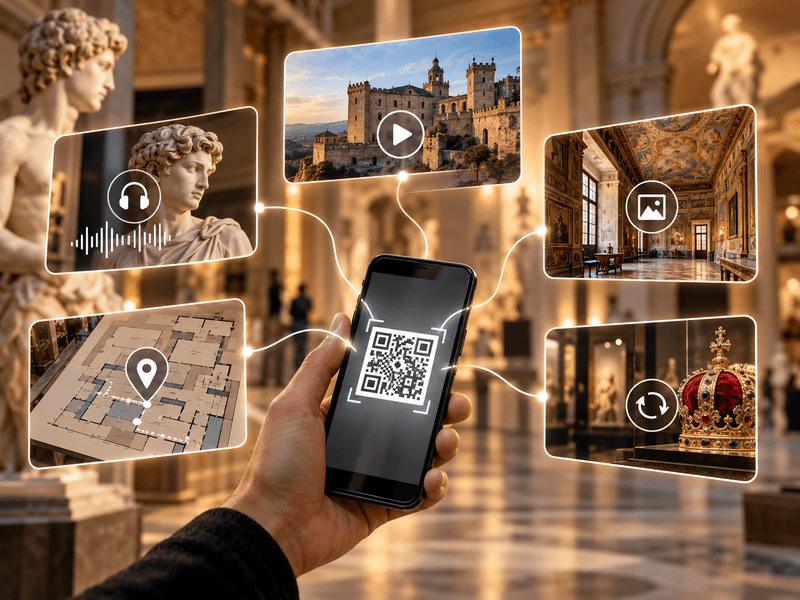
Create and customise dynamic QR codes for exhibitions, rooms, categories and objects. Export them as PDF or SVG files and direct visitors to content in their own language.
Explore the details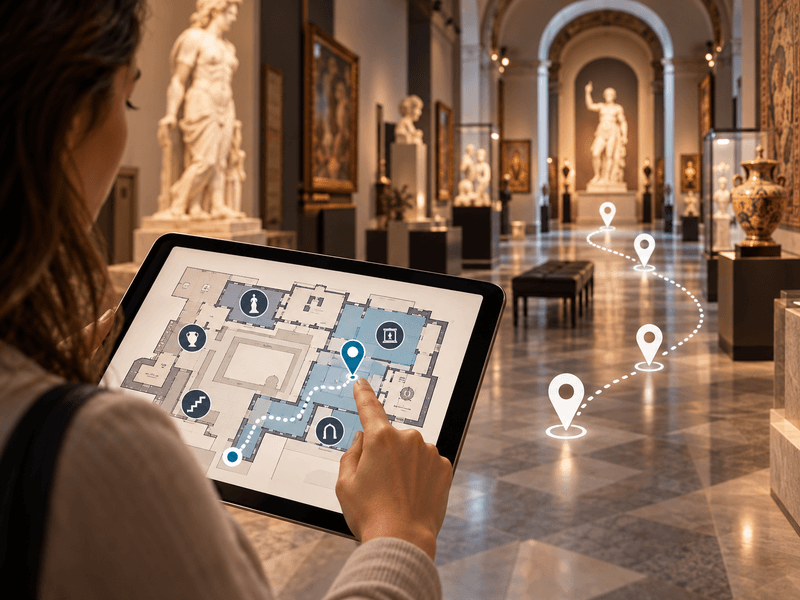
Use floor plans inside buildings, and maps showing locations and directions to them in outdoor spaces.
Explore the details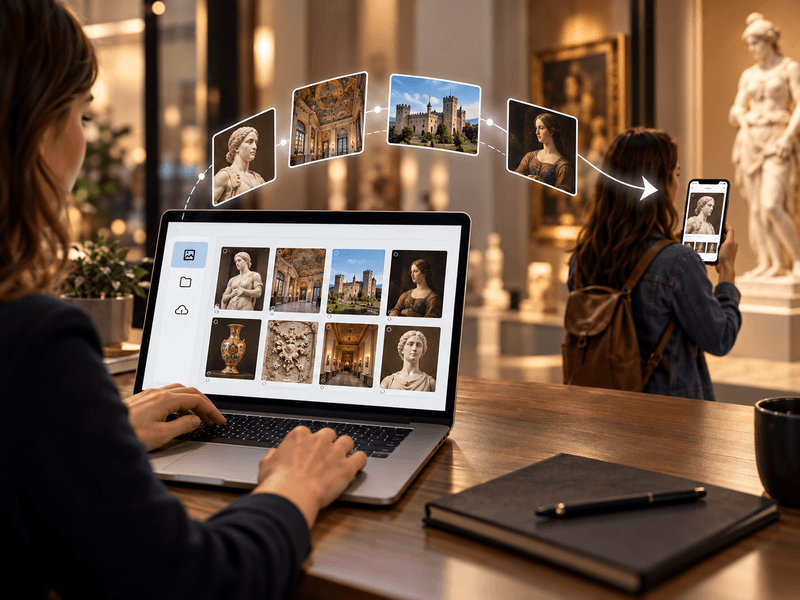
We provide a comprehensive tool or help with entering descriptions, preparing translations, audio guides and audio descriptions.
Explore the details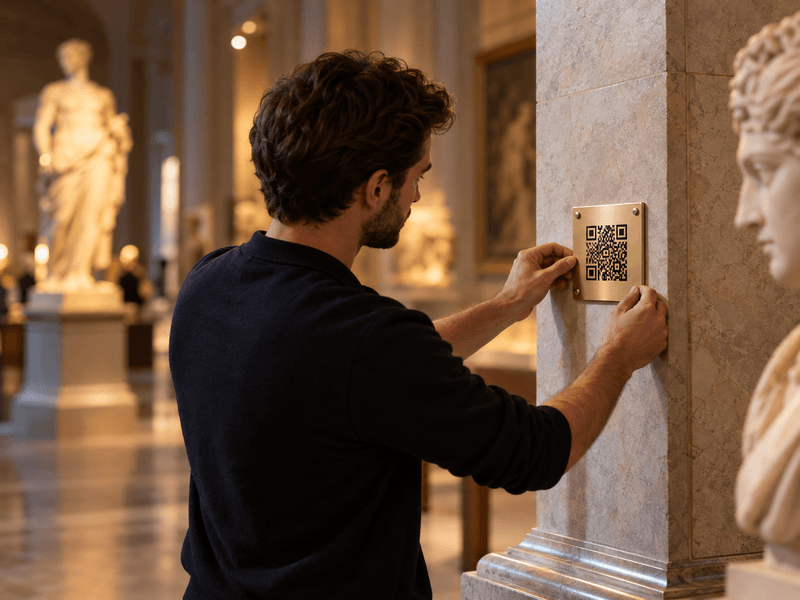
We prepare, print and install QR codes and descriptions of objects, choosing materials suitable for the display location.
Explore the details