



Audio guide
Add your own recordings to any object or generate them in one of 33 supported languages.
Explore the detailsUsing a digital guide should be quick, simple and intuitive. With QRator.space, visitors do not need to download any apps, create accounts or go through a complicated process to launch the guide. They simply scan a QR code with their phone camera to go straight to a page containing a detailed description of a particular object. All information is available directly in the web browser.
Traditional mobile apps often require users to find the right app on Google Play, the App Store or another store, download it, install it and sometimes create an account. The whole process can take several minutes and is an unnecessary barrier for some visitors. QRator.space eliminates these extra steps, allowing people to start exploring almost immediately after scanning the code.
Each QR code can lead directly to a detailed presentation of a selected object—a museum exhibit, work of art, historic monument, animal in a zoo or point along a tourist route. On the page, visitors find prepared descriptions, photographs, an audio guide, audio description and videos, if these have been provided for the object. Everything is in one place and accessible on a phone.
QRator.space works in web browsers on modern smartphones and tablets, whether they use Android, iOS or another operating system that supports current web standards. Pages adapt to different screen sizes, keeping content legible and easy to use. The guide can also be accessed on a computer by opening an object's direct web address.
No app installation is an advantage not only for visitors but also for institutions. There is no need to build and maintain separate apps for different operating systems, publish them in app stores or require users to download updates. New descriptions, photographs and other materials can be added in the QRator.space CMS panel, and updated content becomes available on object pages without any extra action by visitors.
This approach is particularly well suited to museums, galleries, zoos, parks, historic sites and urban spaces, where visitors often use a guide only once or occasionally. Instead of spending time installing another program, they can focus on discovering the place, its history and the materials prepared for them. One QR code, any modern device with a browser and immediate access to knowledge.
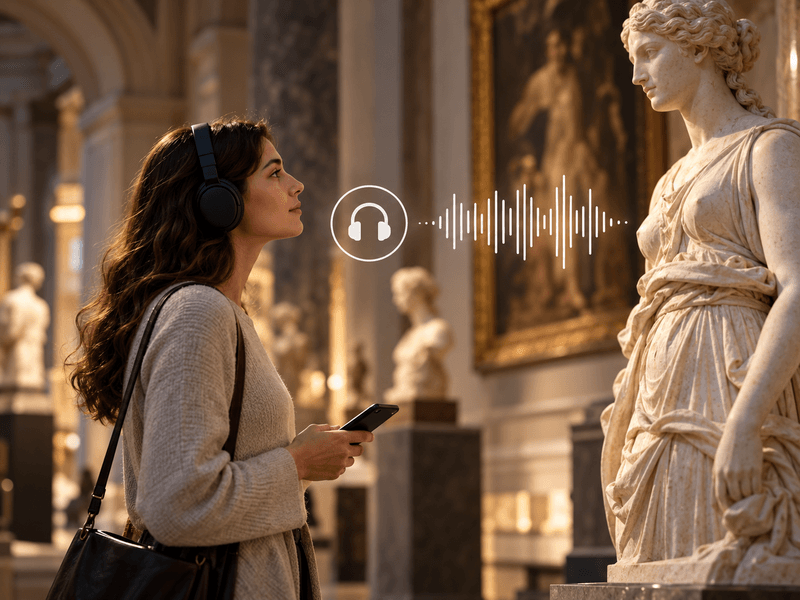
Add your own recordings to any object or generate them in one of 33 supported languages.
Explore the details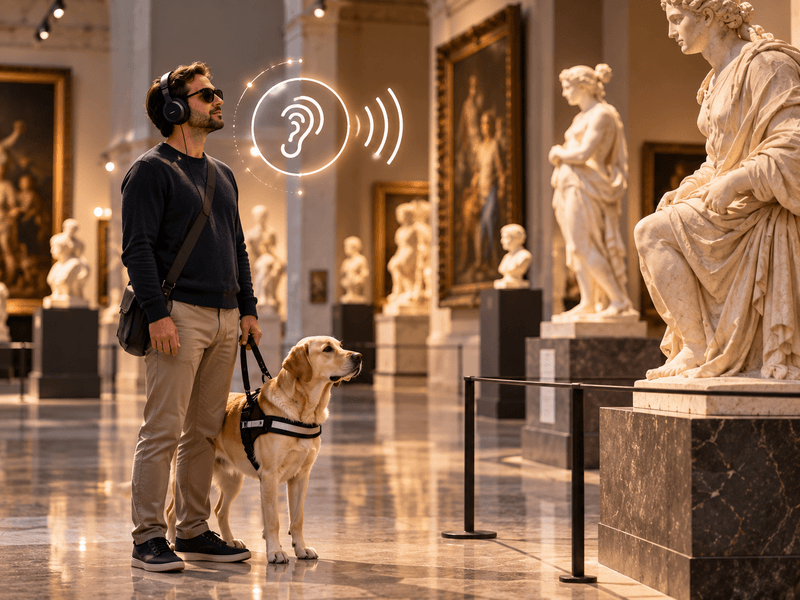
Your own recordings or recordings generated in one of 33 languages to describe the visual features of an object.
Explore the details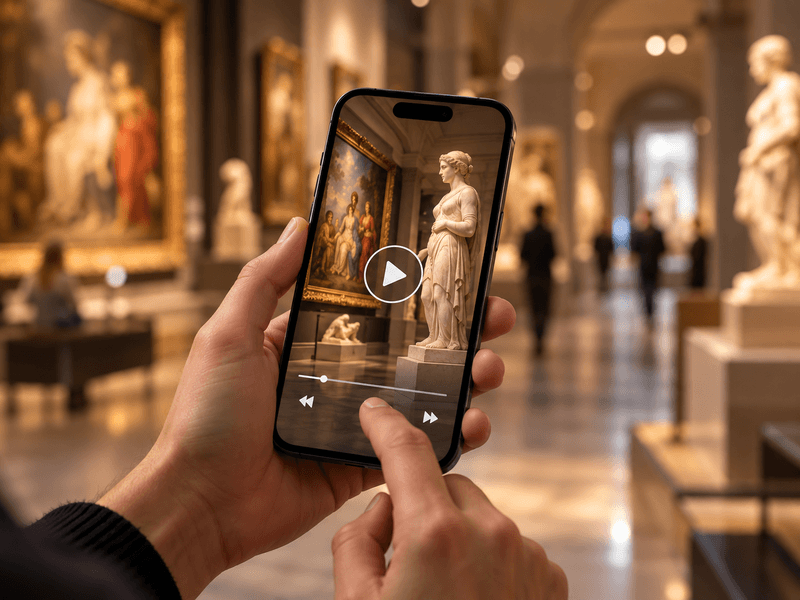
Embed videos from YouTube or Vimeo, or your own MP4 files, alongside objects, rooms and routes.
Explore the details
Translate content into as many as 33 languages. Prepare your own translations or use an AI tool with review.
Explore the details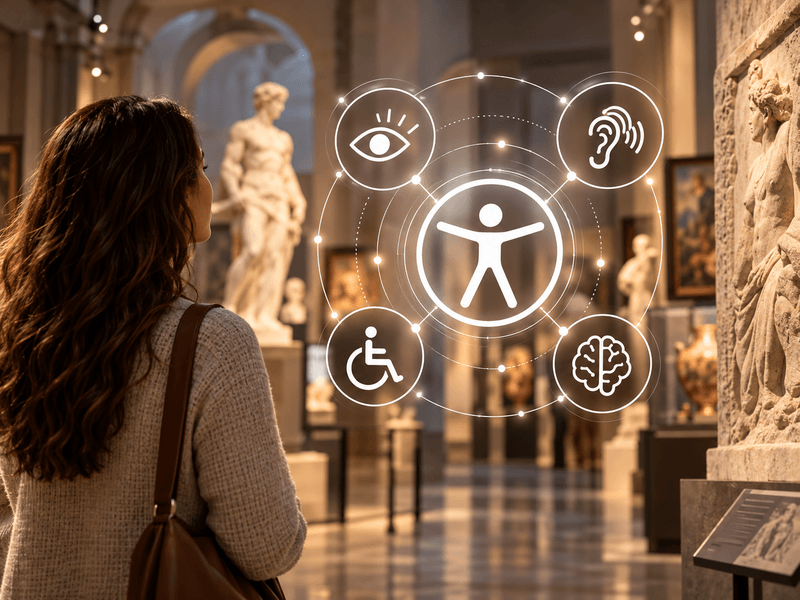
Digital guides accessible to everyone. Adjustable text size, high contrast, light and dark modes, and audio descriptions.
Explore the details
We offer comprehensive system deployment on QRator.space servers or the client’s server, always with a secure SSL connection.
Explore the details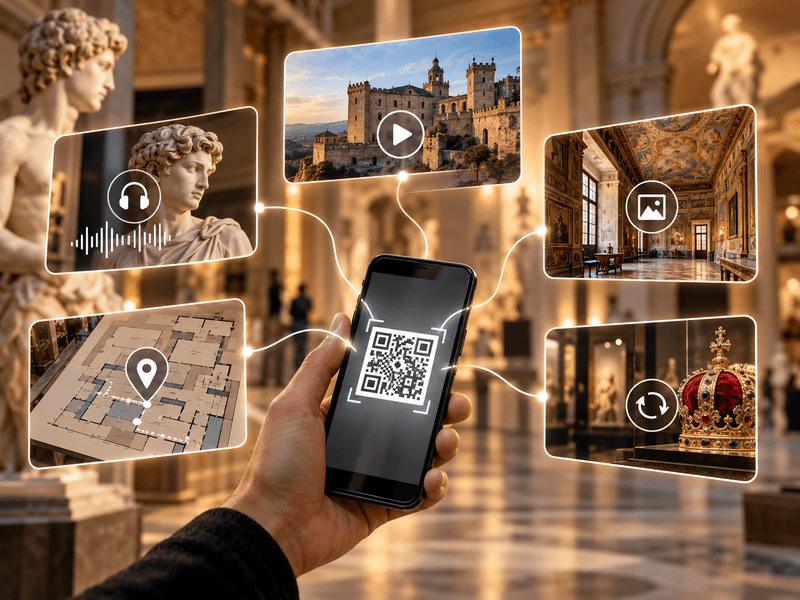
Create and customise dynamic QR codes for exhibitions, rooms, categories and objects. Export them as PDF or SVG files and direct visitors to content in their own language.
Explore the details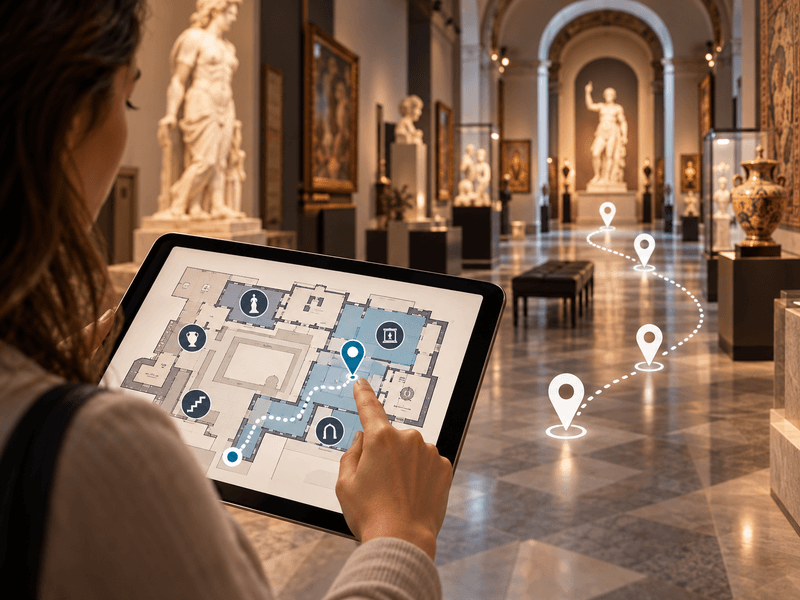
Use floor plans inside buildings, and maps showing locations and directions to them in outdoor spaces.
Explore the details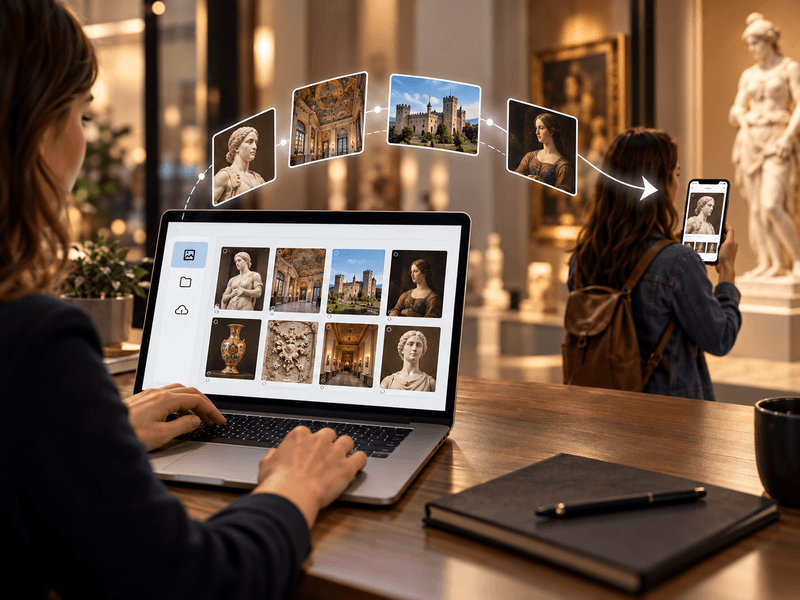
We provide a comprehensive tool or help with entering descriptions, preparing translations, audio guides and audio descriptions.
Explore the details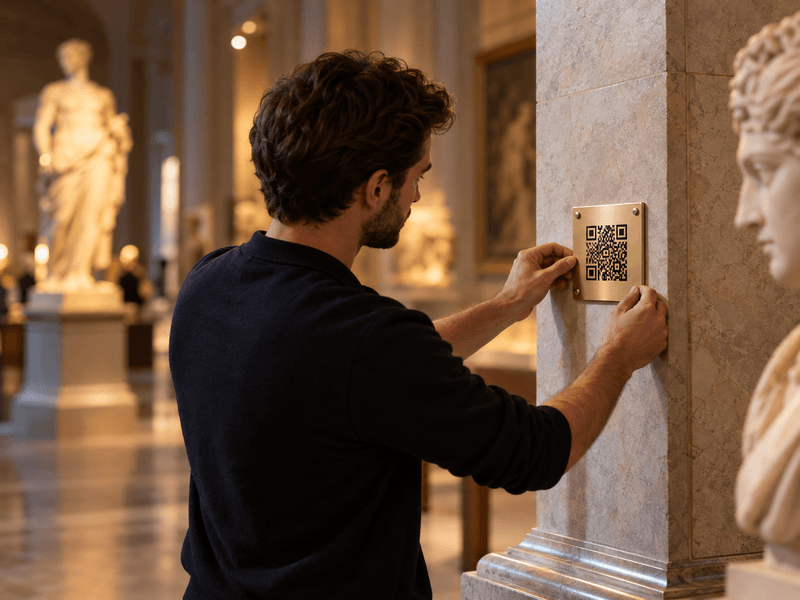
We prepare, print and install QR codes and descriptions of objects, choosing materials suitable for the display location.
Explore the details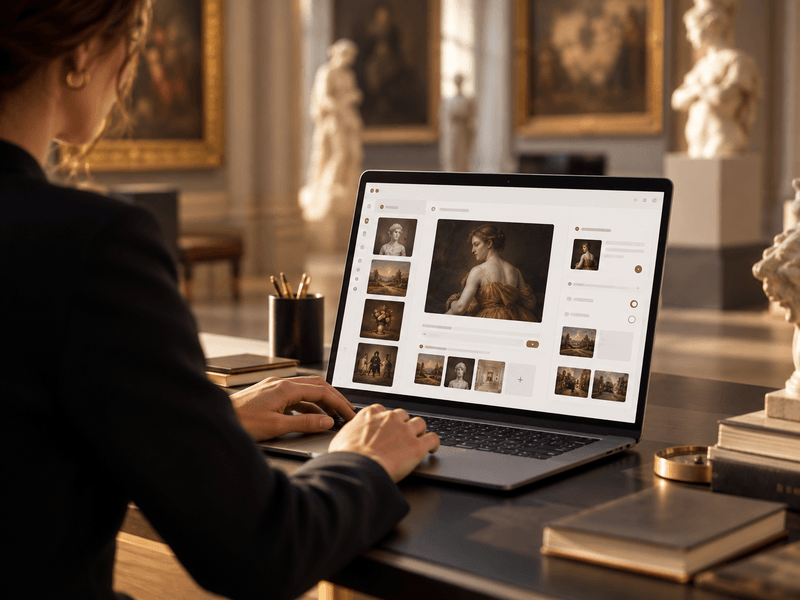
We provide a panel for managing exhibitions, rooms, routes, objects, media, translations and QR-code generation.
Explore the details