



Audio guide
Add your own recordings to any object or generate them in one of 33 supported languages.
Explore the detailsNot everything can be explained through text, photographs or sound recordings. Video materials can show objects in motion, demonstrate processes, recreate historical events or present details that visitors cannot see during a traditional visit. With QRator.space, every object can be enhanced with a video that complements its description.
You can add videos from YouTube, Vimeo or your own MP4 files to any object in QRator.space. Videos are displayed directly on the detail page for the specific object, alongside other information, photographs and multimedia materials. This means all content about a particular place or exhibit is available in one location.
Visitors simply scan a QR code next to an exhibit, monument or another stop along a route. After opening the object's page on their phone, they can read its description and play the video assigned to it. Playback takes place directly in the web browser, without installing an additional application or using specialised equipment.
Video materials can be used in museums, art galleries, zoos, historic sites and along tourist routes. They can include archive footage, interviews with experts, historical reconstructions, the process of creating a work of art, demonstrations of how technical devices operate, animal behaviour or additional information about the place being visited.
Video helps create more engaging and attractive presentations. It conveys knowledge in an accessible format, captures visitors' attention and supplements traditional descriptions with content that cannot be presented on static information boards. Videos can be used together with audio guides, audio descriptions and photographs to create a comprehensive multimedia presentation of each object.
Materials are managed using the QRator.space CMS panel. You can add new videos, update existing materials and expand object presentations without replacing the physical QR-code signs. The digital guide's content can thus grow alongside the exhibition or tourist offering.
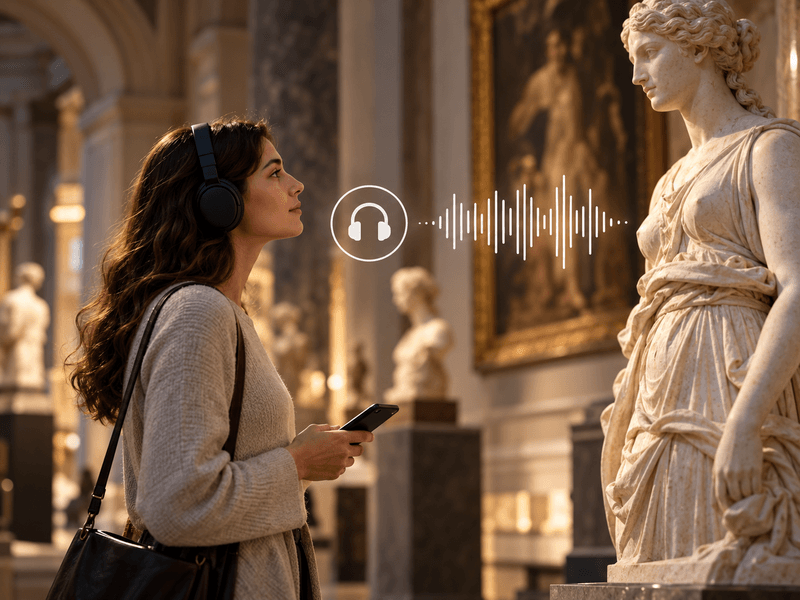
Add your own recordings to any object or generate them in one of 33 supported languages.
Explore the details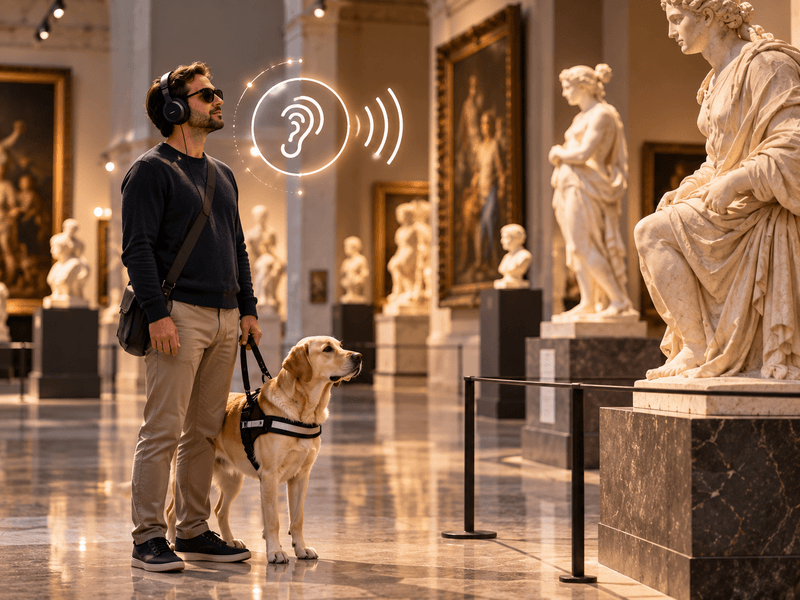
Your own recordings or recordings generated in one of 33 languages to describe the visual features of an object.
Explore the details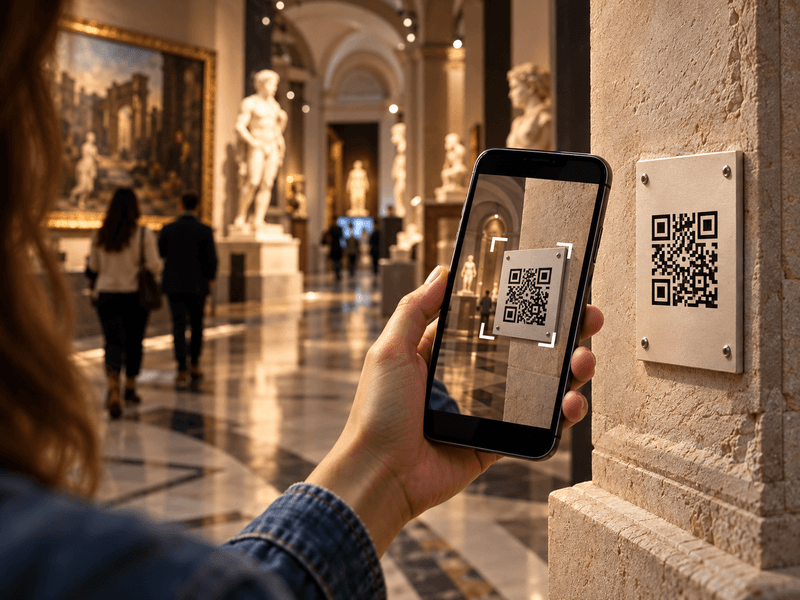
Visitors scan a QR code with their phone camera and immediately open a web page describing the object.
Explore the details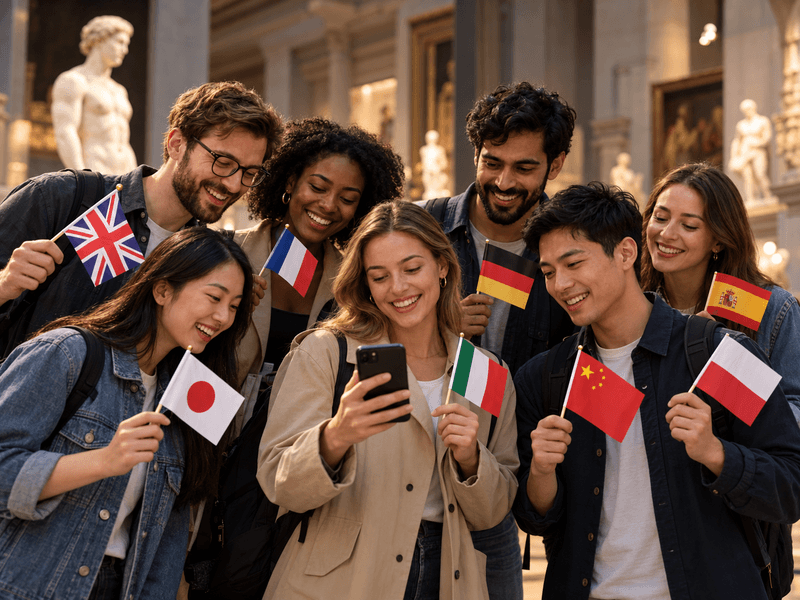
Translate content into as many as 33 languages. Prepare your own translations or use an AI tool with review.
Explore the details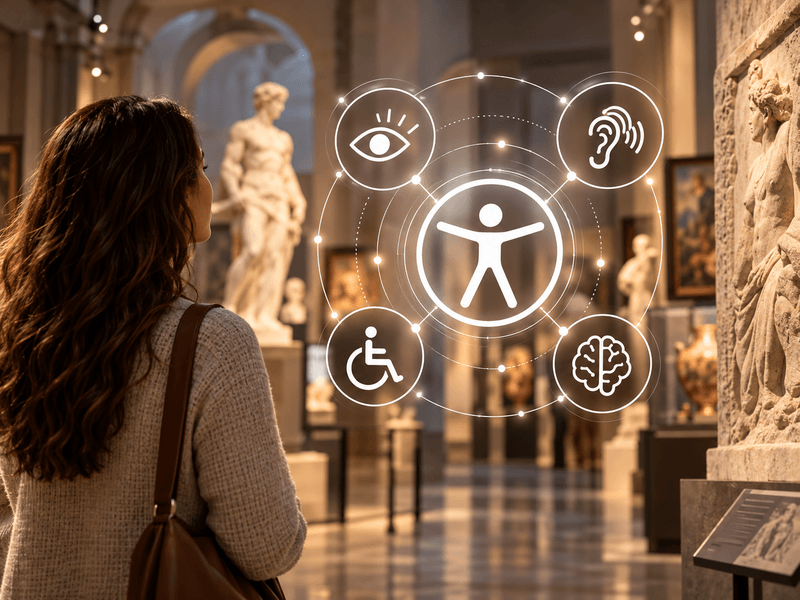
Digital guides accessible to everyone. Adjustable text size, high contrast, light and dark modes, and audio descriptions.
Explore the details
We offer comprehensive system deployment on QRator.space servers or the client’s server, always with a secure SSL connection.
Explore the details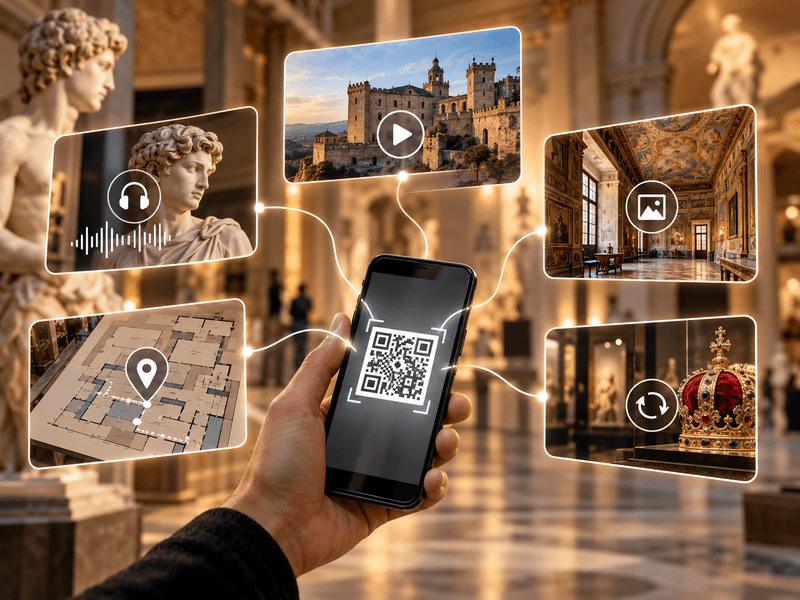
Create and customise dynamic QR codes for exhibitions, rooms, categories and objects. Export them as PDF or SVG files and direct visitors to content in their own language.
Explore the details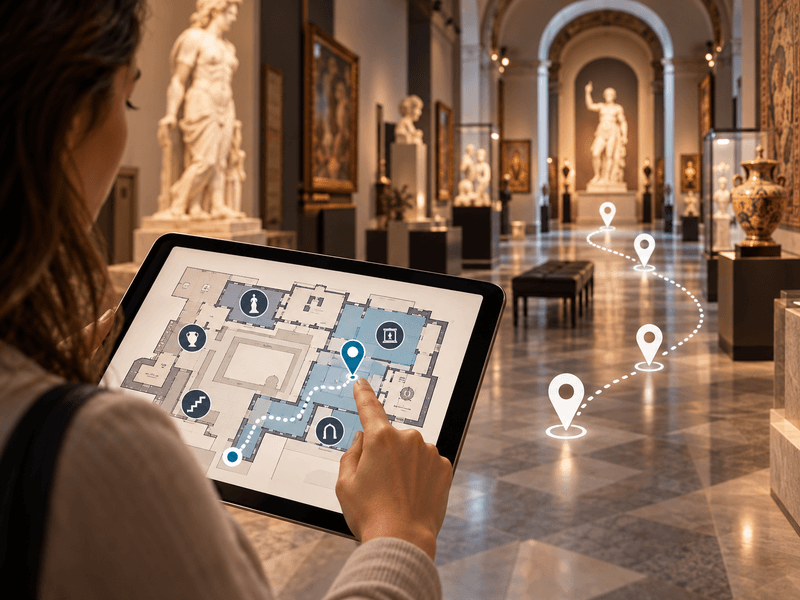
Use floor plans inside buildings, and maps showing locations and directions to them in outdoor spaces.
Explore the details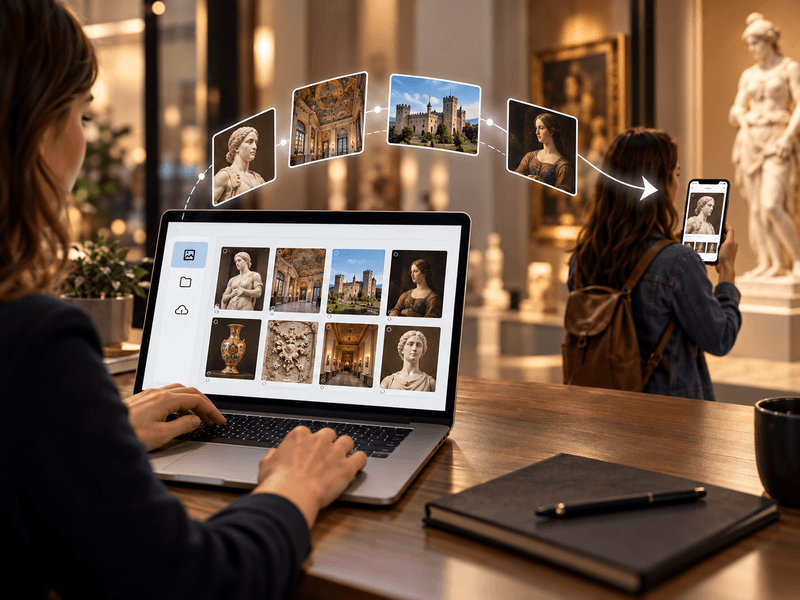
We provide a comprehensive tool or help with entering descriptions, preparing translations, audio guides and audio descriptions.
Explore the details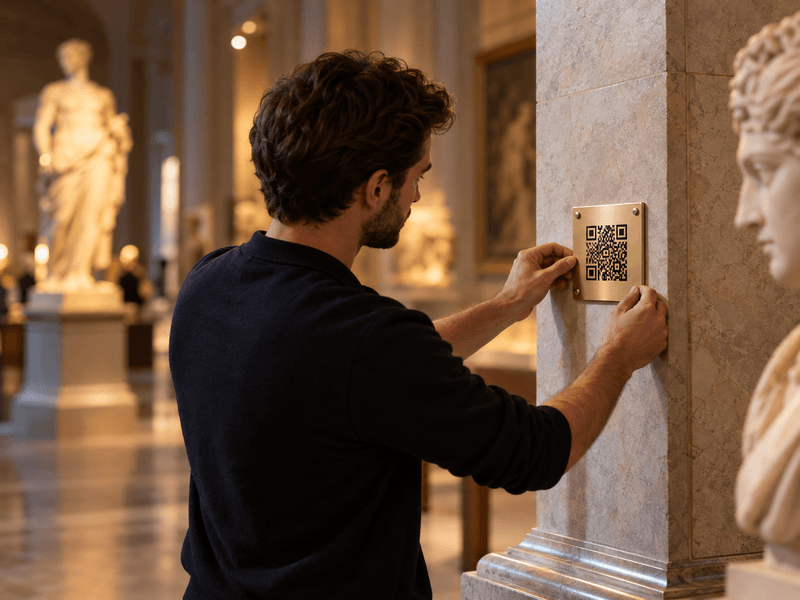
We prepare, print and install QR codes and descriptions of objects, choosing materials suitable for the display location.
Explore the details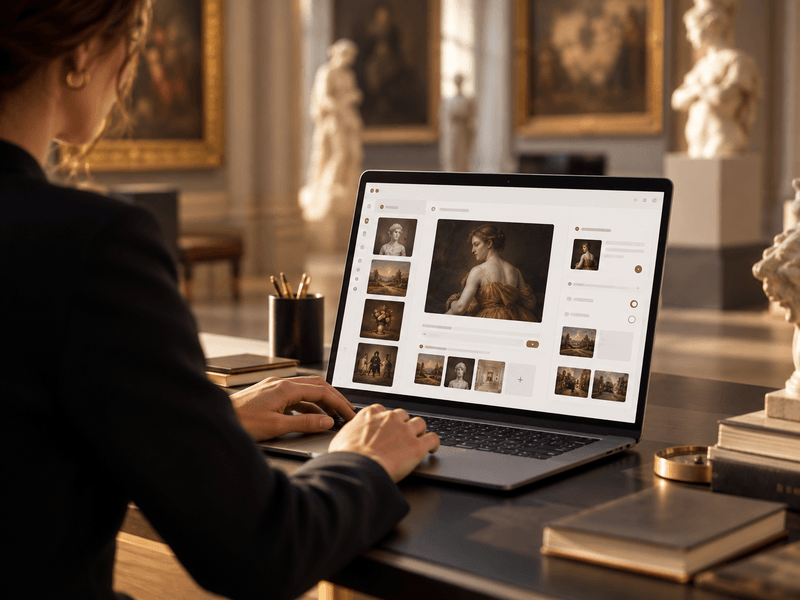
We provide a panel for managing exhibitions, rooms, routes, objects, media, translations and QR-code generation.
Explore the details